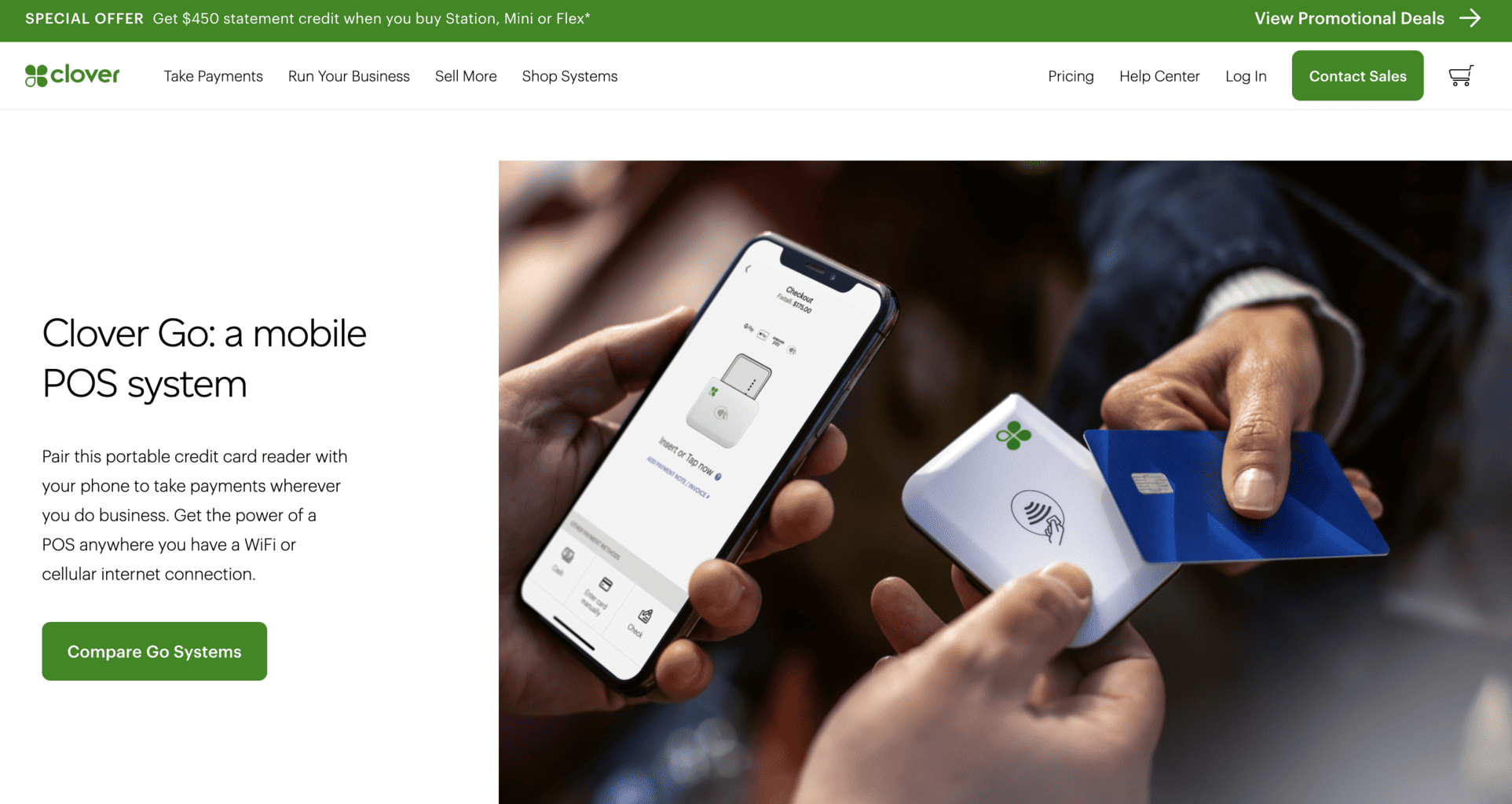
Modern card readers have revolutionized the way businesses operate and how customers shop. Nowadays, companies can choose from a wide range of wireless, affordable card readers that can be used simply through a mobile application.
In this article, we’ll introduce you to the best card reader apps for iPhone and Android that you can use for your UK-based business. But first, let’s see how these readers function.
How To Use Card Readers for iOS and Android
Today’s card readers are user-friendly, so even those with limited tech experience can use them with ease.
To start using them, you should establish a Bluetooth connection between the reader and a device of your choice, like a tablet or an iOS or Android smartphone. The next step is downloading the smartphone app and connecting it to the wireless reader, and that’s it! Customers can swipe their cards and make payments easily.
You can process transactions with a card reader through various methods:
- Chip insertion
- Near field communication (NFC) in case you want to use wireless-based contactless payments
- Magnetic stripe swiping
If the card reader is equipped with NFC, it can process payments from mobile wallets such as Apple Pay and Google Pay. These devices might feature an additional PIN pad that appears within the smartphone app used by the customer.
New small businesses and startups that are still in the beginning phase of expanding their company can benefit from subscribing to a plan with low monthly fees or a plan with no fees.
Smartphone apps can also be used as a mobile point-of-sale (POS) software solution through which you can process and optimise receipts, download and analyse in-depth reports, and more.
Now that you know how card readers work, let’s go over the best card reader apps you can use for your UK-based business.
1. Shopify
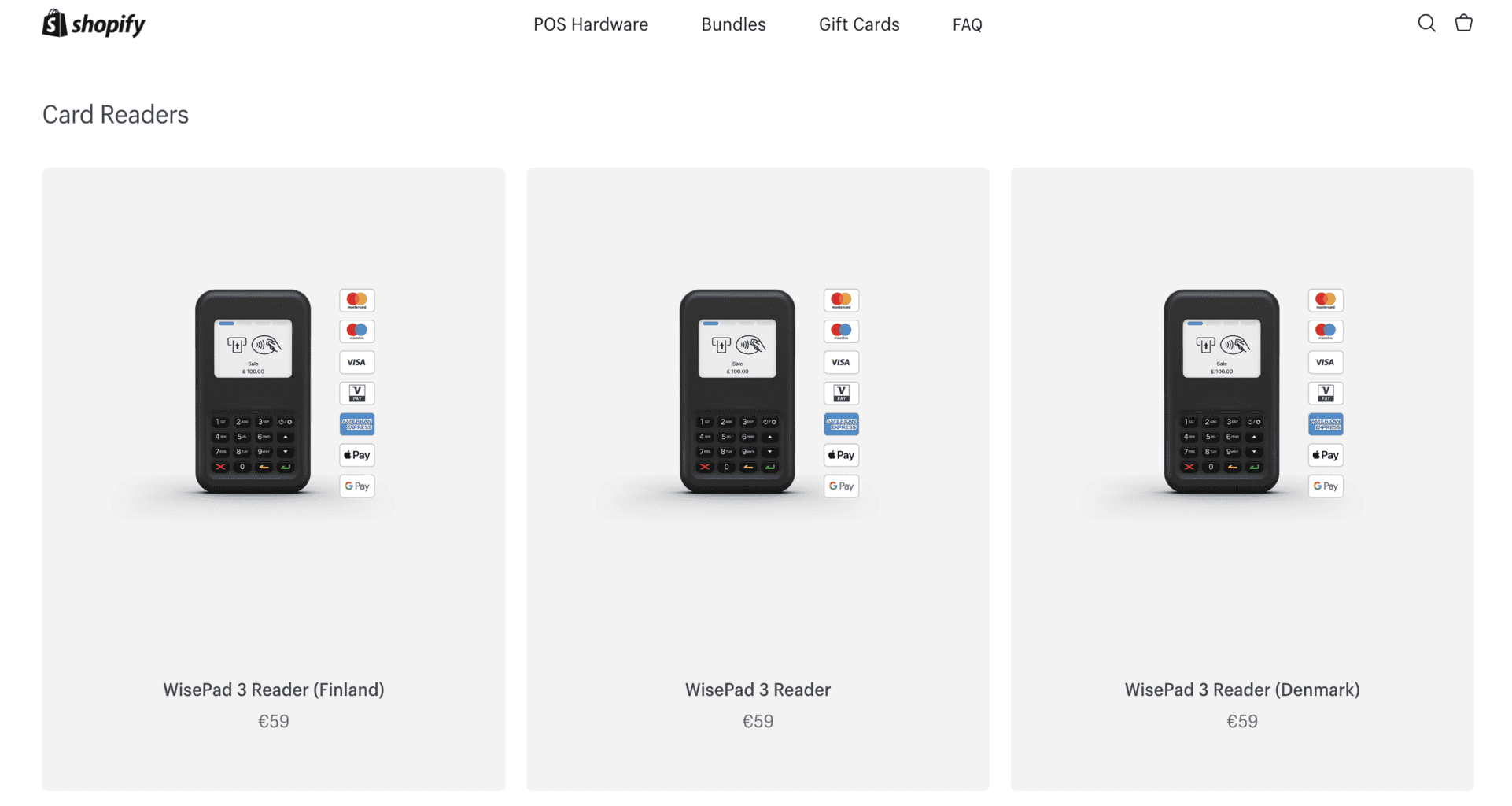
In addition to the eCommerce solutions, Shopify provides businesses with WisePad 3 Reader, a user-friendly card reader that can be synced with Shopify’s mobile POS application. Businesses must subscribe to one of Shopify’s plans and create an account to use the card reader.
There’s an option to optimise it with various mobile POS applications, and access it from an Android or Apple-based smartphone or device.
Shopify’s POS subscription plan is free of charge and contains various features, such as:
- Order and stock management
- Additional hardware integrations (cash drawers, QC code scanners, printers)
- Accounts for employees
Although Shopify’s card reader is easy to use and has a straightforward interface design, payments are processed to the customer’s account in a period of six days. The processing time is the slowest compared to the other card readers on our list.
Shopify’s team offers 24/7 customer support as well as helpful guidelines customers can read through and watch online.
Shopify Pros
- The card reader is made of high-quality materials and has a compact, lightweight design.
- Shopify offers 24/7 support to all their customers, regardless of the plan they’re subscribed to.
- The card reader can be integrated with a mobile POS, and each transaction will automatically sync to the POS.
Shopify Cons
- To use the card reader, businesses must subscribe to one of Shopify’s monthly plans.
- The payment processing can take about six days.
Prices and Fees
Shopify’s WisePad 3 Reader costs £49 without the additional VAT expenses.
To use the card reader, businesses have to subscribe to any of these three pricing plans: Basic, Advanced, or Shopify. Here’s a list of Shopify plans and their monthly prices:
- The Basic plan costs £25 per month, with an additional fee of 1.7% for each transaction.
- The Shopify plan costs £65 per month, with an additional fee of 1.6% for each transaction.
- The Advanced plan costs £344 per month, with an additional fee of 1.5%.
2. SquareReader
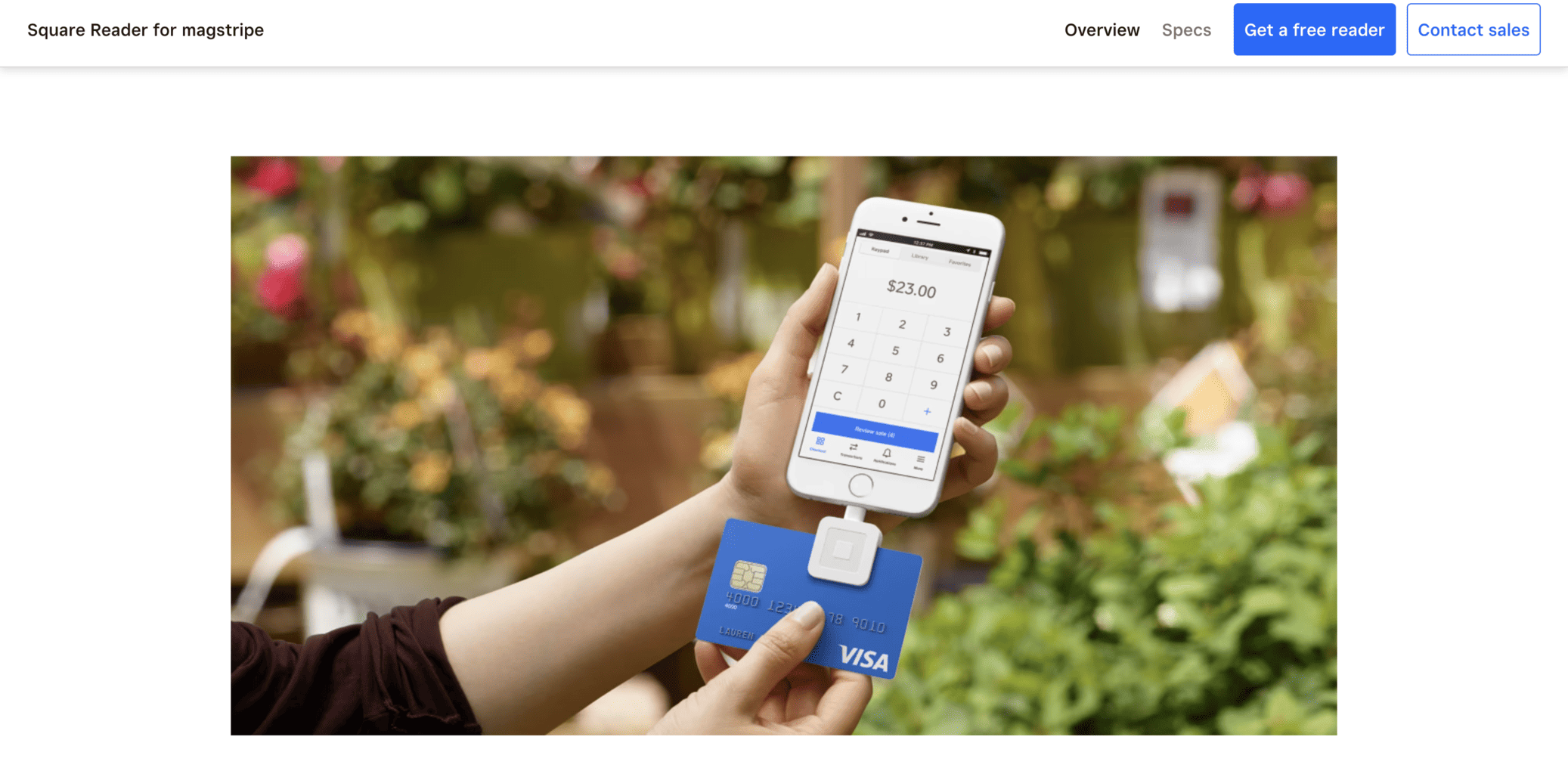
Square Reader is a user-friendly, affordable, and lightweight card reader that is perfect for businesses of all sizes. It doesn’t have an external pad for PIN, but it syncs perfectly with Android and Apple-based devices. Businesses can use the Square Reader application by downloading it directly from the company’s online platform or via Google or Apple Store.
The card reader can process payment transactions in under a few minutes with NFC and EMV chips.
The money will be processed after approximately a 24-hour time period. In case businesses want to receive them instantly, they’ll have to pay an additional fee of 1.5%.
The pocket-sized card reader is an excellent option for retail and hospitality businesses with a heavy daily workflow that need to use it frequently. It can handle over 20% of payment transactions on a single charge, allowing businesses to accept and process payments quickly.
The card reader can be connected to Square Reader’s tailor-made POS software solution specifically designed for businesses in the hospitality, entertainment, and retail industries. The POS allows secure and fast contactless payments on-site, online, and via phone.
Using the POS software is very easy since its interface design is quite intuitive, so employees can quickly learn to navigate and use it efficiently.
Square Reader Pros
- Square Reader’s card reader is compact and lightweight. Employees can always carry it in their pockets.
- Businesses don’t need to pay additional fees each month. The card reader can be used without a lock-in agreement.
- The mobile point-of-sale application is easy to navigate and supports various integrations.
Square Reader Cons
- The card reader doesn’t come with a PIN pad. The PIN pad is available only via the mobile application.
- Square Reader’s customer support is not available 24/7. They only offer to help during working days.
- The transactions are processed in around 24 hours but not longer than 48 hours. Because of this, it might take longer than other card readers, which usually process the payments in approximately 24 hours on work days.
Prices and Fees
Businesses can use Square Reader by subscribing to one of the following payment plans:
In-person
This plan is specifically created for businesses of all sizes that offer on-site services. To use the reader and Square’s POS, companies will have to pay 2.6% and an additional 10 cents for every processed transaction. With this subscription, they’ll get contactless, smartphone, PIN, and chip-based payment options.
Online
The online plan is an excellent choice for eCommerce shops that sell their products or services online. In order to subscribe to this plan, businesses will have to pay 3.5% and an additional 15 cents for every processed transaction. In addition to the regular online transactions and payments, companies will be able to offer Checkout and integrated API transactions and payments to their customers. The plan also allows businesses to create and download payment invoices via the mobile POS.
Remote
The Remote plan lets businesses proceed with keyed-in contactless payments. With this plan, you’ll also get square-based invoices. Businesses have to pay 3.5% and an additional 15 cents each time a transaction is processed with the Square Reader card reader if businesses decide to make ACH transactions, i.e. money transfers processed between financial institutions and cooperative banks (credit unions) and transactions processed by a virtual payment terminal.
- Buy now, pay later: With this plan, businesses need to repay the subscription after they process their remote, online, and on-site payments. Businesses will have to pay 6% and an additional 30 cents for each processed transaction.
Here’s what you’ll get by subscribing to one of Square Reader’s monthly plans:
- Money transfers in the next 24 hours after the payment is sent
- 24/7 fraud protection and prevention
- Encrypted transaction payment
- 24/4 customer support via phone
- A free-of-charge POS application
- Conflict management
3. Revolut Reader
Revolut Reader is a user-friendly reader that supports chip and contactless payments.
Businesses will have access to their transactions when they log in to their Revolut account, which must be connected to a Visa bank card. The transactions will be processed and available online the next workday.
Businesses can also integrate and sync the card reader with Revolut’s mobile POS solution, which can be used only by subscribing to a yearly or monthly plan.
Revolut Pros
- The card reader has a user-friendly interface and simple features that employees can learn how to navigate quickly.
- The rates and fees are very affordable for UK-based Visa and Mastercard bank cards.
- The payouts are automatically transferred to the business account in approximately one day.
Revolut Cons
- Customer support doesn’t respond fast and isn’t available 24/7.
- Businesses are allowed to purchase and use Revolut’s card reader only if they receive approval to create an account, which can take up to a few days. There’s also a possibility for the company to request extra business-related information before approving an application.
Prices and Fees
The Revolut card reader is more affordable than other similar devices. The starting price of the fees businesses need to pay for online-based payments is 1% and an additional 20 pounds. The Process Data Quickly (PDQ) is also affordable, as you can get it for the price of £49.
The fees businesses need to pay for local transfers via a Mastercard or a Visa are not high and sit around 0.8% and an extra £0.02 for each transaction. However, the fees are higher when the transactions are made from other bank cards and total 2.6% and an additional £0.02 per transaction.
If you’re interested in buying the Revolut card reader, you’ll have to get approval to create a Revolut Business account. There’s an option to apply for two accounts: corporate and freelancer. You can submit your application on Revolut’s website.
4. SumUp Air
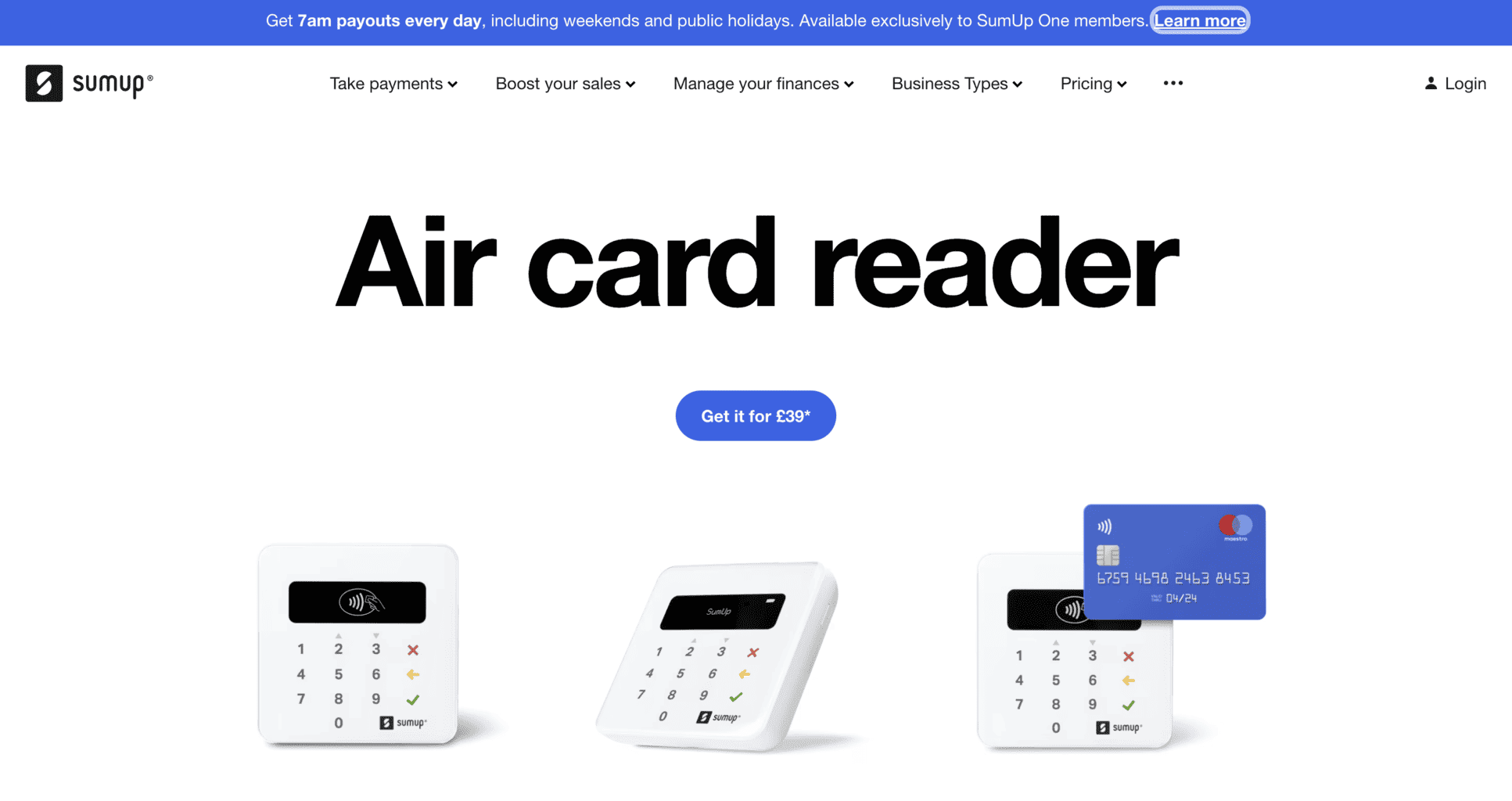
SumUp Air is known as one of the most easy-to-use and straightforward payment devices.
This reader was specifically created to work with Android, iPhone, and iPad. Its surface design is sleek, and the display where customers insert their PIN is covered by glass they can swipe up and down. It recognises chip and contactless Apple and Google Pay payments.
Additionally, it can be connected with SumUp’s application and point-of-sale system, which contains the following:
- A library where all products are placed
- Various user accounts
- In-depth reports on the business’ payouts
- Different digital payment methods.
You can use the SumUp application and POS solution to send invoices and receive emails or transaction links. But what makes this application an excellent option for online businesses is that it also allows users to create a simple eCommerce shop, print unique QR codes, and receive and process transactions through the app.
In addition, you can sell offer gift voucher cards redeemable via the smartphone app. You’ll also get a free-of-charge MasterCard. The card can be optimised and synced to the company’s official bank account, and you’ll get full access to your company’s payment transactions the next day after the payment is processed. Keep in mind that payments will be processed in about 24 hours to three days.
You can sync the POS solution with the Air card reader if you’d like to use enhanced and extensive tills that are usually used by hospitality and retail businesses. At the moment, the reader doesn’t sync and support software for finances and accounting. However, it supports various plugin integrations, such as:
- Wix
- PrestaShop
- WooCommerce
You can contact SumUp via the customer support page. If you’re interested in getting a tailor-made fee, you can contact SumUp Air via their website.
SumUp Air Pros
- The payouts are transferred after a 24-hour period in the free-of-charge SumUp Air account.
- The card reader supports several payment methods for eCommerce businesses.
- Businesses can sync the SumUp Air mobile POS software solution to the card reader. Any transfer via the card reader will automatically appear in the business’ POS account.
SumUp Air Cons
- The mobile POS solution supports only a few integrations, such as Wix, PrestaShop, and WooCommerce.
- The interface design of the POS can be complicated for employees who’ve never used this type of software.
Prices and Fees
There are three subscription plans that businesses can choose from:
No Contract
This subscription plan doesn’t have any additional fees businesses need to pay monthly except for the 1.49% per transaction. Here’s a link where you can test out the subscription free of charge and decide if it’s suitable for your business.
SumUp One
With SumUp One, the monthly fees are only 0.99% per transaction, but there’s an additional fee of £29 that businesses must pay monthly, too.
Custom Subscription
Businesses can choose a custom-made subscription plan. The monthly fees will differ for each client, but there’s a fixed cost of £49 per month.
5. Zettle
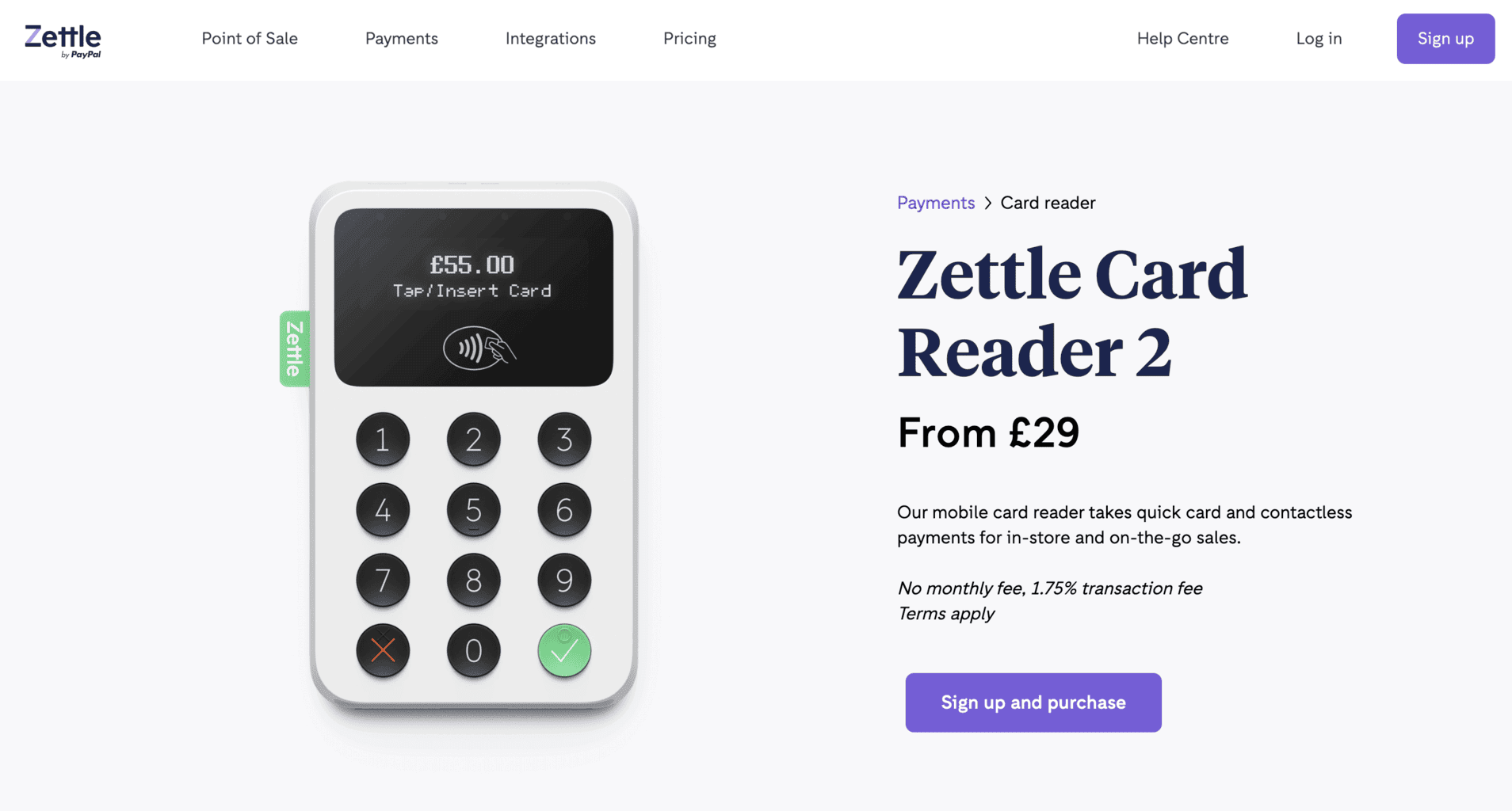
Based in Sweden, Zettle produces card readers and point-of-sale software solutions for small-sized companies and new businesses. The company is partnered up with PayPal and has expanded its operations worldwide. Zettle accepts all kinds of payments, such as contactless card or chip and pin payments, as well as Samsung, Google, and Apple Pay.
Customers can pay with various card types, such as:
- Mastercard
- American Express (AMEX)
- Visa and Visa Electron
- Discover
- Maestro
- JCB
- Diners Club
- Union Pay
Zettle’s mobile card reader and POS application can be downloaded on Android or iOS-based smartphones. Here’s a list of the features included in the application:
- Send and process invoices
- Receive payments without a 24-hour limit
- Accept vouchers and gift cards
- Process and keep track of digital checks and receipts
- An extensive, tailor-made product library
- Create and update images and product descriptions
- Regular software updates
- Monitor and analyse the stock and sales revenue.
In addition to the ZettleGo mobile application, the card reader can be synced and optimised with additional software solutions. Businesses can integrate Zettle’s card reader into the following applications for finances, eCommerce, accounting, etc:
- Xero
- Adobe Commerce
- Hike
- Goodtill
- Quickbooks
- Starling Bank
- Shopify
- WooCommerce
Zettle Pros
- The card reader can process payments from different bank cards and supports smart pay, such as Google, Samsung and Apple Pay.
- The battery can last up to approximately eight hours, and the charging period is swift.
- Businesses can connect the card reader with Zettle’s mobile point-of-sale (POS) application.
- Businesses can use the POS software solution Zettle Go for free.
Zettle Cons
- Zettle doesn’t offer 24/7 customer support. Customers can call for help on workdays from 9 am until 5 pm.
- The fees that customers need to pay after each transaction are high.
- Payments are processed and transferred to the companies’ bank accounts after a 48-hour period, which is a longer waiting period than most of Zettle’s competitors.
Prices and Fees
Zettle’s card reader costs at least £29, but the price varies depending on the applicant’s needs. The company charges businesses each time they receive a payment, so they don’t need to pay a recurring percentage or sign a contract. You’ll need to apply via Zettle’s website for a personalised quote for your business.
Here are the transaction rates for each payment type:
- Chip & Pin and contactless: 1.75%
- Zettle Invoice payment: 2.5%
- Payment Link and QR codes 1.75%
6. Stax
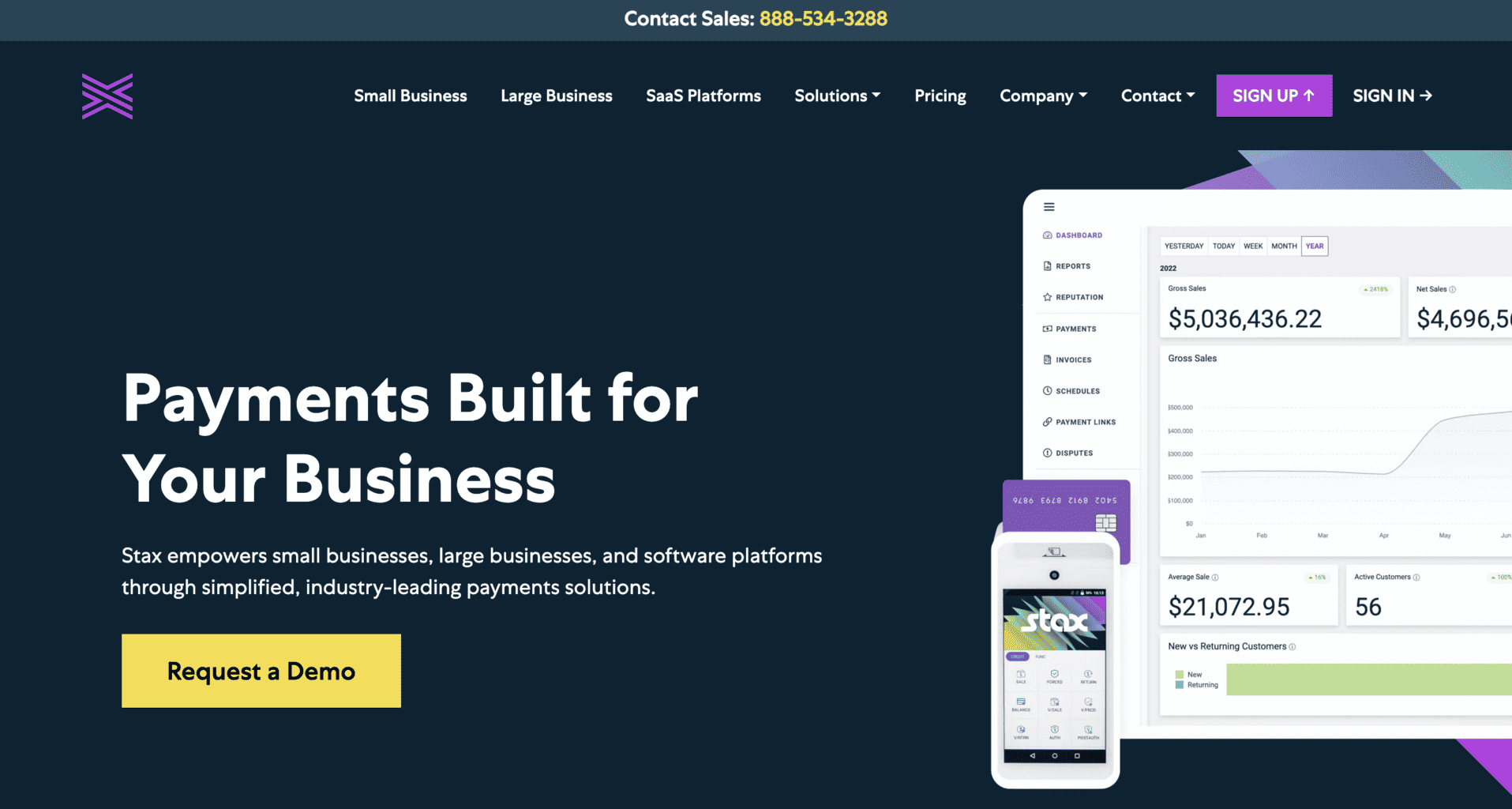
Stax sells a fast and user-friendly card reader equipped with a tailor-made POS app with multiple tools and features. With the card reader, businesses can accept all kinds of payments, including contactless, Chip & Pin, eCommerce, and card and debit payments.
The Stax POS can be synced with various external integrations, such as:
- Magento
- WooCommerce
- BigCommerce
- QuickBooks Online
Businesses that already use QuickBooks can integrate and sync their QuickBooks account with Stax’s POS. With Stax’s user-friendly virtual terminal, businesses can also accept online payments and have access to the following:
- Product inventory
- Payment invoices
- In-depth client database
All of the transactions from the card reader are automatically synced to the POS account and virtual terminal. Businesses can access their Stax POS account straight from their Android or iOS smartphones.
Stax charges businesses a fixed rate that’s customised for each business. Therefore, businesses don’t need to pay a specific rate for each transaction processed by Stax’s card terminal.
Stax Pros
- There’s a 0% markup that businesses have to pay each month.
- Businesses don’t need to sign a yearly contract to use Stax’s card reader and POS solution. They can simply renew their subscription each month.
- The card reader is equipped with a pre-built platform for processing payments.
- Stax can accept various payments, such as contactless, Chip & Pin, and credit/debit cards.
Stax Cons
- Businesses can use Stax only if they pay add-on rates and fees.
- The monthly subscription plan can be too expensive if the business doesn’t have a high sales revenue per day.
Prices and Fees
Stax subscription plans start from £78 per month as the lowest pricing option, and there’s a 2.6% fee per transaction. Businesses must apply via Stax’s website to get a customised quota that will suit their specific needs. By subscribing, businesses will get to use Stax’s card reader and access the POS app, where they can:
- Monitor and analyse their payments via a dashboard
- Create online invoices
- Export their transaction data
- Schedule transactions
- Process mobile-based payments
- Add payment website links, and more
7. Elavon MobileMerchant
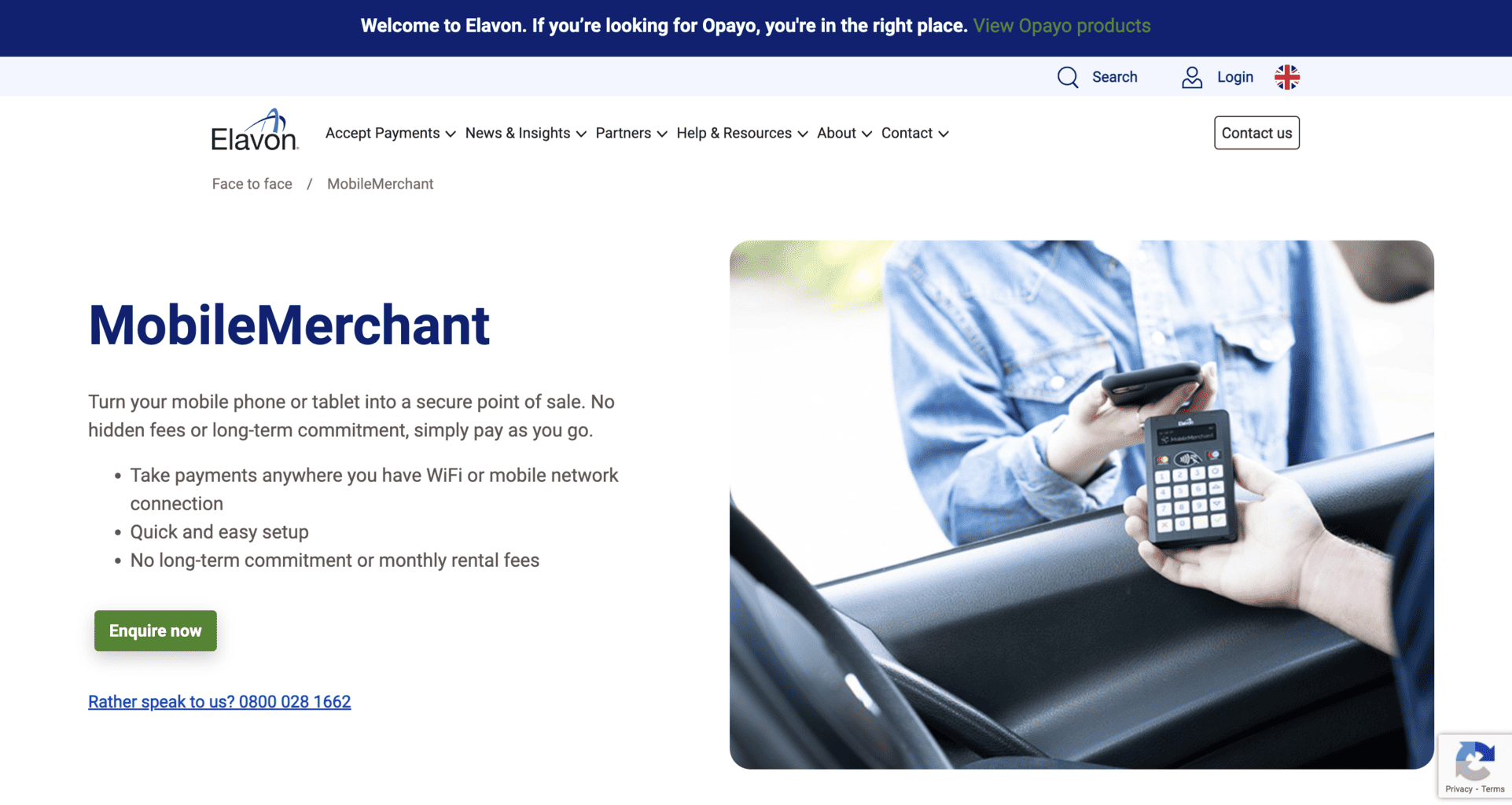
Elavon Bank provides businesses with MobileMerchant, a card reader that can be used via a tablet device or an iOS or Android smartphone. MobileMerchant is equipped with a sleek, calculator-shaped PIN pad and can be used for contactless or Chip & Pin payments.
Businesses can use the reader only for transactions since it cannot be synced and optimised for barcode (QR) scanners, printers, or cash drawers. It can, however, be used for discounts, tips, or creating digital receipts.
The card reader’s application isn’t regularly updated and doesn’t have a library, which can lead to unwanted errors or bugs from time to time. Luckily, Elavon offers 24/7 customer support for all their clients, so if there’s an unwanted error, the support team can fix it as soon as possible.
To buy Elavon’s card reader, businesses must fill out an online application and submit it via the company’s website.
Elavon MobileMerchant Pros
- Businesses don’t need to pay fixed rates or fees each month or sign a contract to buy the card reader.
- Elavon provides customers with technical support 24/7, 365 days a year.
Elavon MobileMerchant Cons
- The software of Elavon’s card reader application doesn’t go through regular automated updates. This can lead to occasional bugs, especially if the reader is used frequently each day for months or years.
- The fees and rates are significantly higher compared to other card readers on this list, especially for these credit or debit cards: Discover, Amex, Diners and JCB.
Prices and Fees
MobileMerchant costs £29 without the VAT expenses. There are no fixed rates or fees that customers need to pay, and they don’t have to sign an agreement before buying it. There’s only a regular fee that’s taken out of each transaction, and the fee percentage differs for different cards:
- Mastercard: 1.75%
- Visa: 1.75%
- American Express (AMEX): 1.9%
- JCB: 2.5%
- Diners Club: 2.5%
- Discover: 2.5%
8. Barclaycard Anywhere
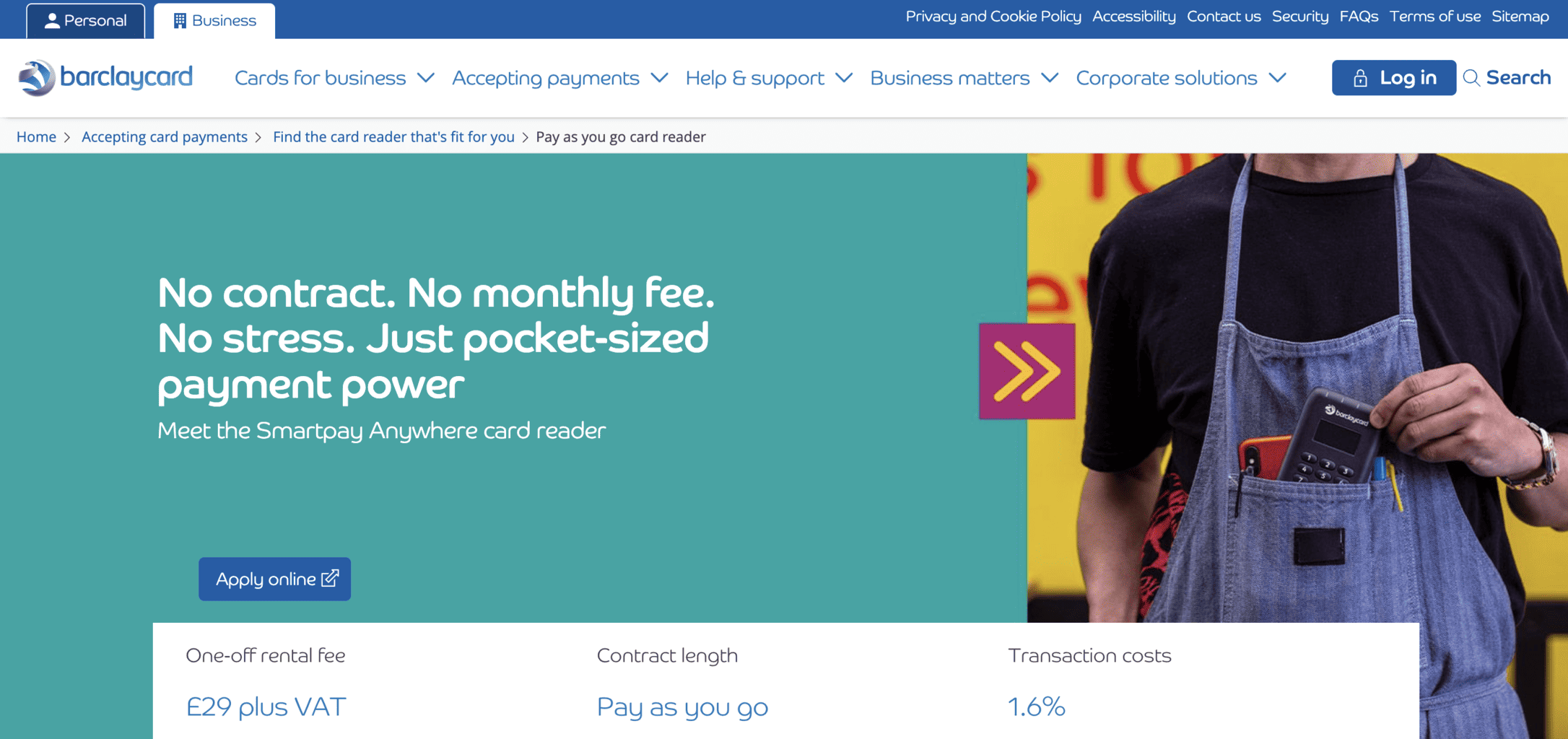
Barclaycard Anywhere is a sleek and user-friendly card reader created by Barclaycard Business. At the moment, the company uses Miura M010, a card reader device produced in 2016, which might seem a bit outdated compared to other devices on this list.
Barclaycard Anywhere offers Chip & Pin and contactless payment options, but it cannot be connected to printers, QR code scanners, or cash drawers. It comes with several useful features, such as e-receipts, refunds, or payment reviews, but it lacks a product library due to its year of production.
Businesses that are interested in buying this card reader will have to send a digital application via Barclaycard Business’s website.
Barclaycard Pros
- Businesses don’t need to pay a fixed fee each month to use the Barclaycard Anywhere device.
- The rate per transaction (1.6%) for JCB, Mastercard, and Visa is much lower compared to the rest of the card readers on this list.
Barclaycard Cons
- The card reader app is not automatically updated and is prone to bugs and unwanted errors, both on iOS and Android devices.
- Barclaycard Anywhere app software is available only on Miura M010, an outdated card reader device produced in 2016. Therefore, this card reader doesn’t contain the latest features and is not equipped with the newest technology and user interface design.
- Payouts are processed within two days, which is longer compared to other card readers on the list that process them in a 24-hour period.
Prices & Fees
Barclaycard Anywhere costs only £29 without the additional VAT expenses. Businesses will have to pay a low fee of 1.6% anytime they make a transaction.
To ask for a tailor-made offer, you can contact Barclaycard Business by submitting your application via their website.
9. Stripe Terminal
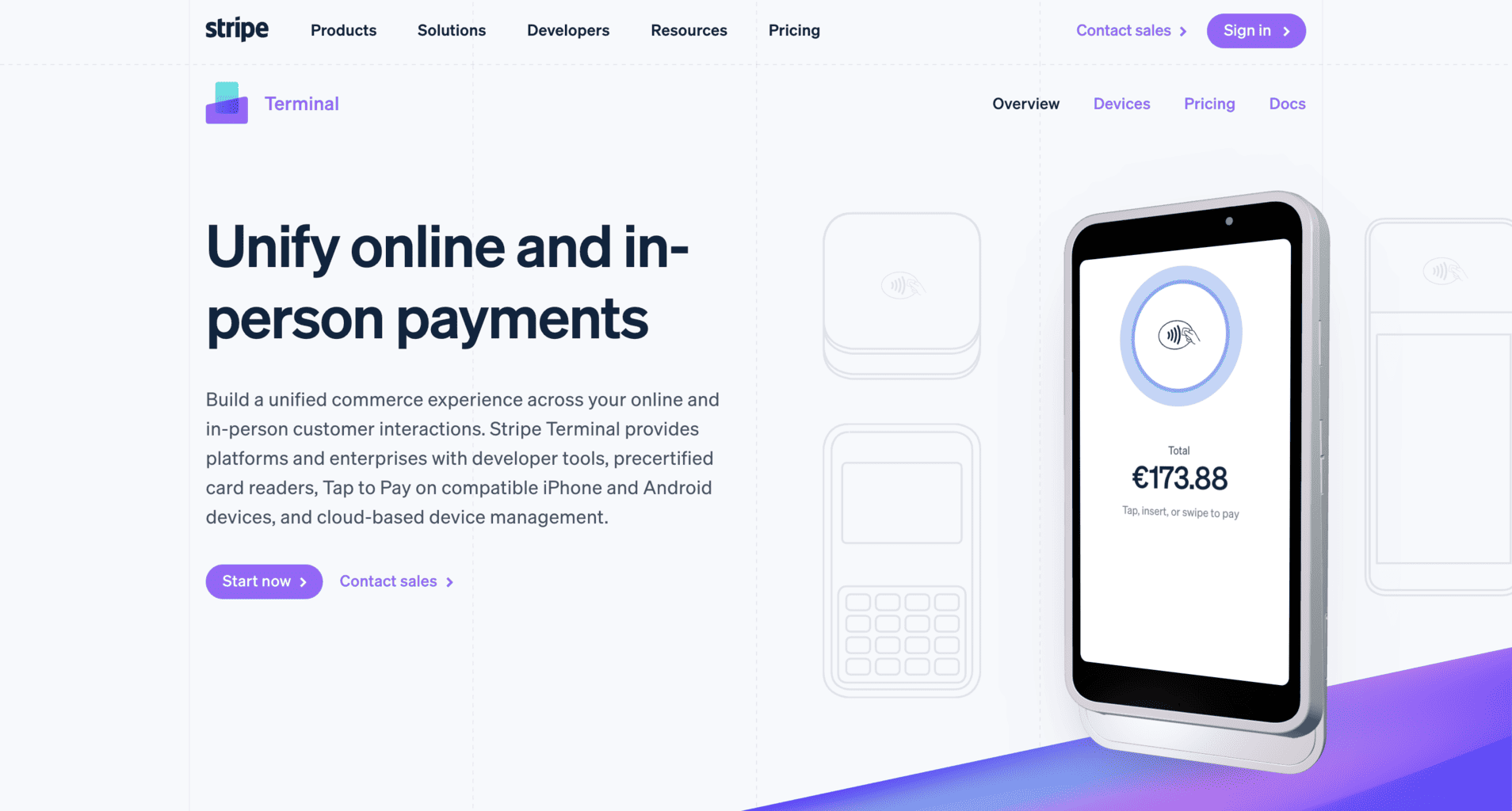
Stripe offers excellent card reader software and hardware solutions for businesses of all sizes. Stripe’s hardware can be connected to a POS software solution that offers plenty of features and has a very simple and straightforward user interface.
To use Stripe, businesses have to apply for a quota directly from the website and purchase one of the following hardware devices that are compatible with the card reader:
Stripe Reader M2
Developed and designed by Stripe, the M2 is a reliable, user-friendly, and very fast card reader. With it, businesses can process payments via Visa, Mastercard, and Europay by using the chip or contactless payment options. The reader is connected to Stripe’s POS and works with a battery with a long-lasting life.
It is encrypted and protected from malware and unwanted breaches, so the payment data is protected at all times. Businesses can customise the reader and select colour palettes, branding, font, and logo of their preference.
BBPOS WisePOS E
The BBPOS is a terminal specifically tailored to be used as a POS solution, which is why it has a larger display and touchscreen than the Stripe Reader M2. With the BBPOS, businesses can process contactless, chip, or swipe payments. It is also encrypted and protected from unwanted data breaches.
Businesses can use this terminal with a wireless solution, and there’s also a “Tap to Pay” option available worldwide. Customers can pay with Visa, AMEX, NFC wallets, Samsung, Google or Apple Pay, and Mastercard. However, UK-based companies can only process payments via Android Pay and not with Apple Pay’s “Tap to Pay” option.
Businesses will get full-time technical support 365 days per year. They can contact the company via email or phone, but they won’t get a response immediately. The fastest way to get a response is via the real-time chat. Usually, a member of the customer support team will respond in about 3 minutes.
Stripe Terminal Pros
- Stripe provides 24/7 technical support for all its clients.
- Businesses don’t need to pay for additional hardware to use Stripe’s POS solution.
- Payments can be processed via Android or iPhone devices.
Stripe Terminal Cons
- There’s no immediate customer support via the phone. Customers have to leave their numbers so Stripe can call them back.
- The “Tap to Pay” option with an Apple-based device is limited only to the United States for now.
Prices and Fees
The BBPOS WisePad 3 costs £51, and there’s no information on the price of the other card reader. Stripe has a fixed fee of 1.5% + €0.25 for all cards based in the EEA (European Economic Area). The fee for cards from the United Kingdom is 2.5% + €0.25. That is the only rate businesses need to pay when they receive a money transaction via the card reader. They don’t need to pay additional fees for the reader’s setup.
There’s also an option to request a custom-made subscription package, suitable for businesses that process a high number of transactions daily. If you’re interested in requesting a tailor-made quota, you can send your application via the website.
10. Clover Go
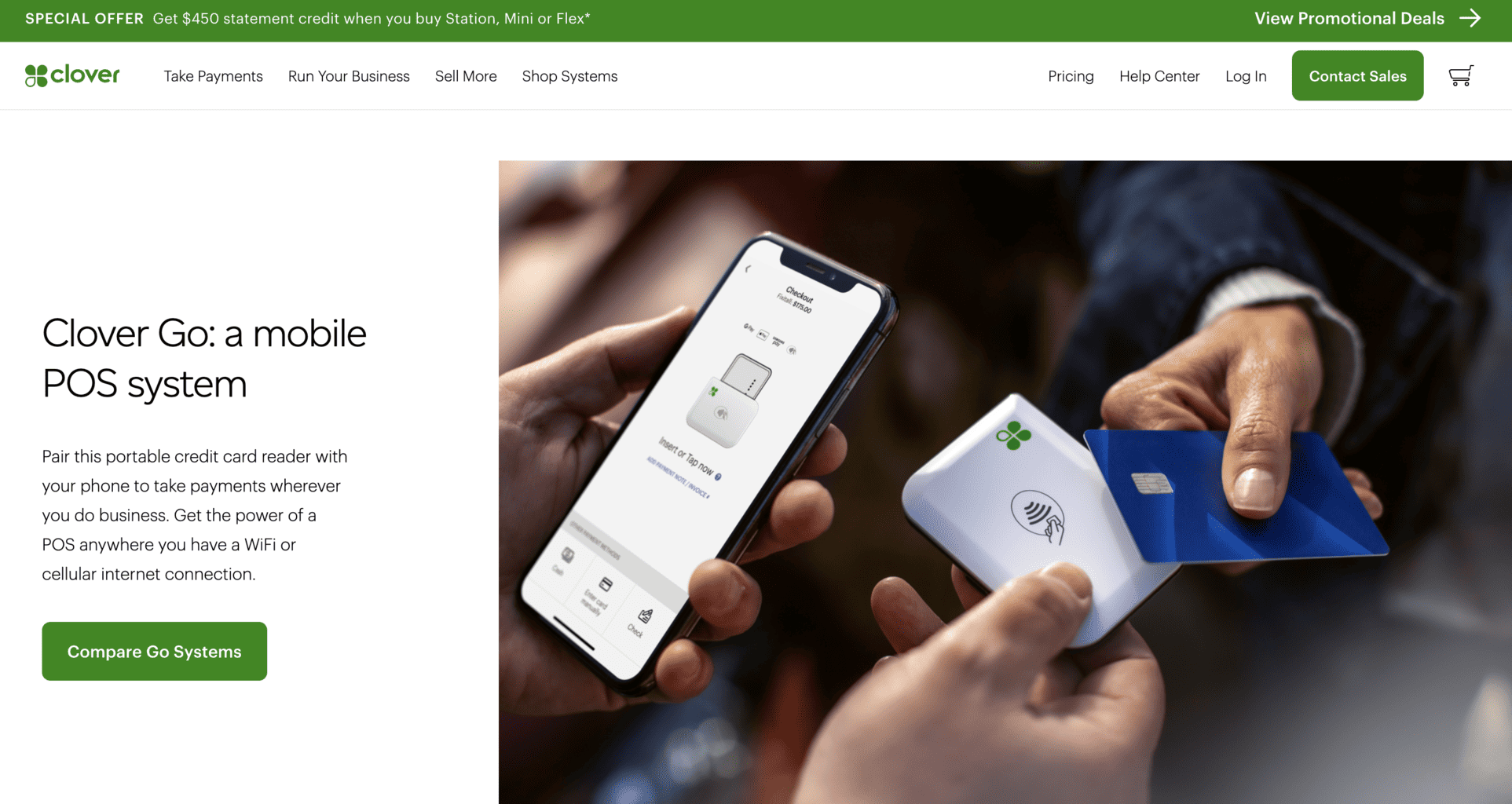
Clover Go is a POS software solution that can be connected with Clover Flex, a device used for debit and credit cards, contactless, and Chip & Pin payments. The card reader is an excellent choice for small businesses that don’t make a lot of transactions per day. The pricing and rates depend only on the type of payment used with the card reader.
Equipped with a pre-built camera, receipt printer, and QR code scanner, the reader is particularly useful for hospitality businesses with its table ordering feature Businesses are able to monitor, analyse, and edit their sales data by accessing their Clover Go POS account from any device, be it their desktop computer, laptop, tablet, or smartphone device.
Since the reader is connected with Clover Go’s POS software solution, businesses can add product categories, add descriptions track employees’ performance, manage their shifts and work days, vacation periods, etc.
Clover Go Pros
- Businesses can track and monitor their payments anywhere they are by accessing their Clover Go account from their smartphone, desktop computer, or tablet.
- The card reader is equipped with a quick receipt printer, a QR code scanner, and a digital camera.
Clover Go Cons
- Clover Go’s card reader is much more expensive compared to other card readers on the list.
- Clover Flex is an excellent option for small and mid-sized businesses but not for large companies that receive many transactions daily.
Prices and Fees
The Clover Flex card reader costs £482.
There are a few subscription plans that businesses can choose from:
- The fixed rate for payments made in-person is 2.3% with an additional 10 cents.
- For Personal Professional Services Standard, Home and Field Services Standard, Services Starter, Retail Startes, and the Advanced subscription plans, the rate is 2.6% per transaction and an additional 20 cents.
- Keyed-in and eCommerce (online) payment transactions have a fixed rate of 3.5% and an additional 10 cents.
Top 3 Card Reader Apps
All things considered, here’s a list of the three best card reader apps that can improve your business’s customer service:
Square: The best card reader app on the list is Square. It is the most affordable and efficient card reader app compared to the rest since it can provide businesses with an extensive range of mobile POS features. Square’s card reader can offer bill splitting, tools for staff management, inventory monitoring and tracking, etc. Also, businesses are not obliged to pay a fixed monthly fee to use the card reader.
Revolut: Although Revolut can provide businesses with fewer mobile POS tools and features than Square, its design makes it stand out. It is sleek, lightweight and has a very user-friendly interface that employees can learn how to navigate in just a day or two. Plus, the company offers 24/7 technical support, and the rates and fees per transaction are relatively lower in comparison with other card readers.
SumUp: Just like Revolut, SumUp has a low selection of mobile POS tools and features. However, the card reader app is straightforward and can be synced to a free SumUp Air account. It’s an excellent option for businesses that aren’t looking for an inventory and stock management feature. The card reader can be integrated with the SumUp Air mobile POS software, which is a very simple and fast and automatically updated solution.
| Card reader app | Regular updates | Product library | Additional integrations | Digital payment transactions |
| Shopify | Yes | Yes | Yes | Yes |
| Square Reader | Yes | Yes | Yes | Yes |
| Revolut | Yes | Yes | Yes | Yes |
| SumUp Air | Yes | Yes | Yes | Yes |
| Zettle | Yes | Yes | Yes | Yes |
| Stax | Yes | Yes | Yes | Yes |
| Elavon | Rarely | Yes | No | No |
| Barclaycard Anywhere | Rarely | No | No | No |
| Stripe | Yes | Yes | Yes | Yes |
| Clover Go | Yes | Yes | Yes | Yes |
Prices and Fees Comparison
If you’re looking to buy an affordable card reader, you should go for one of the following three devices:
- SumUp Air (£39)
- Zettle Reader (£59 without the additional VAT expenses)
- Square Reader (£19)
Using the following card readers doesn’t require any additional fees per month; you only pay the standard transaction fees:
- Square Reader
- Revolut
- SumUp Air
- Elavon
Shopify is the only card reader for which businesses have to pay a fee each month in order to use it. They have to use one of Shopify’s subscription plans to get access to the card reader and a POS with a large selection of tools and features. Compared to the rest, Square and Zettle have the least affordable fees, closely followed by Sum Up Air.
In contrast, Barclaycard is the most affordable option since the starting fee is 1.6%. In addition, Revolut offers affordable and reasonable rates, too, but only for Mastercard and Visa debit and credit cards that were issued in the United Kingdom. Opposed to Visa and Mastercard-based transactions, Revolut has significantly higher rates for other payment options.
| Card reader app for iOS and Android | One-time price | Fees per month | Fees per transaction |
| Shopify | £49 | £25 or more | Starting from 1.5% |
| Square Reader | £19 | No | 1.75% |
| Revolut | £49 | Yes, price depends on personalised quota | Starting from 0.8% |
| SumUp Air | £39 | No | 1.69% |
| Zettle | £29–£59 | No | 1.75% |
| Stax | / | £78 | 2.6% |
| Elavon | £29 | No | Starting from 1.75% |
| Barclaycard Anywhere | £29 | No | 1.6% |
| Stripe | £51 | No | 2.5% + €0.25 |
| Clover Go | £482 | £1 (for a six-month period) | 2.3% |