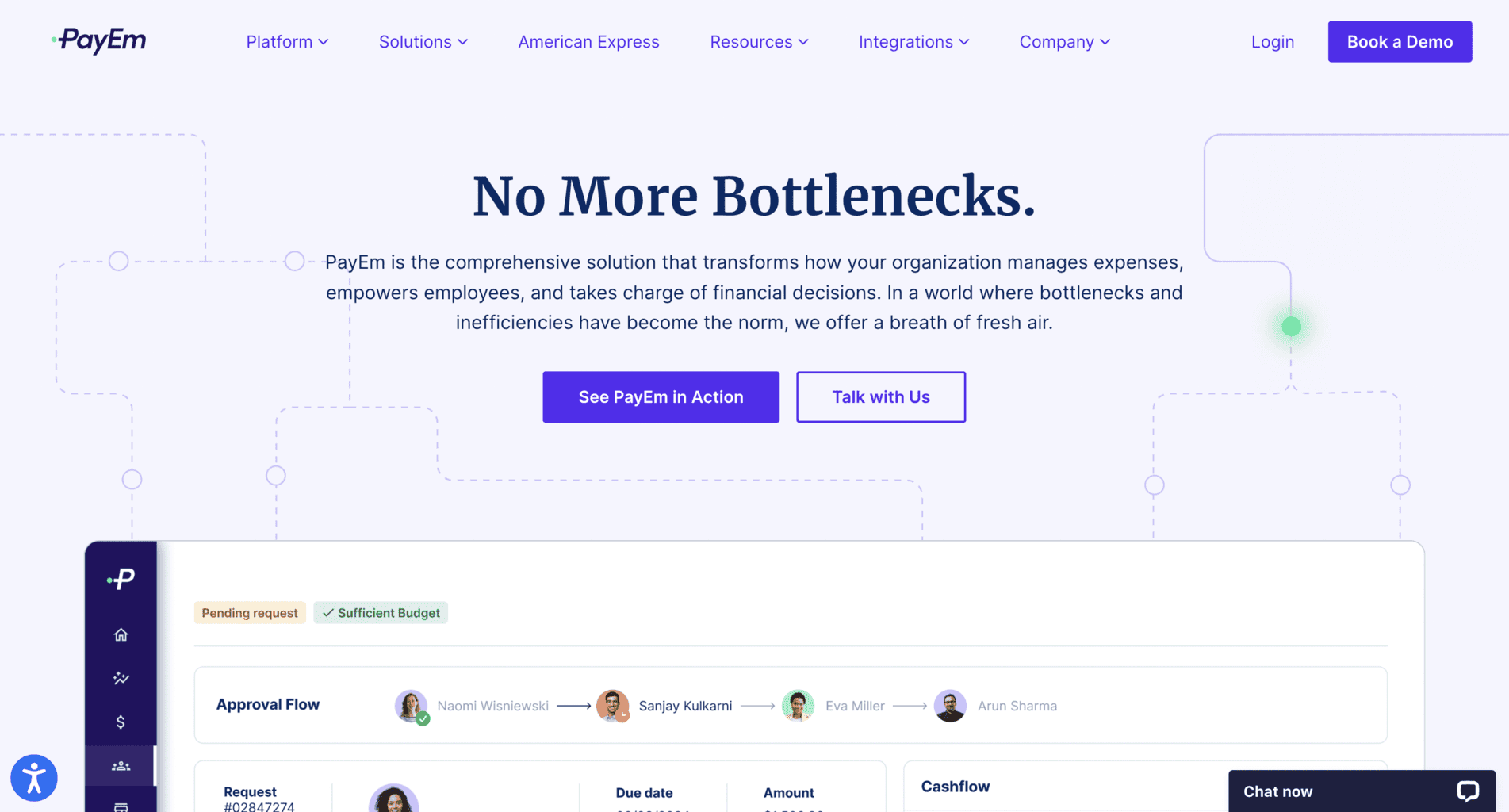
PayEm is a Tel Aviv-based fintech company that offers an expense and finance management platform for businesses of all sizes. Their offerings also include learning materials on finance management and business or corporate cards.
Here’s all you need to know about PayEm’s products, features, and costs.
PayEm Platform
The PayEm platform consists of five modules with their own features, as well as three core features. You can access it by logging into your account via the company’s website or downloading the free Android or Apple mobile app.
Customisable Staff Requests
The Customized Requests module allows you and your staff to download pre-made request templates or create and customise new ones.
Here’s a list of the tool’s main features:
Error decrease: Decrease the amount of data errors and receive alerts for third-party breaches and risks.
Time management: Eliminate unnecessary manual daily tasks and responsibilities. By reducing manual labour and paperwork, you and your staff can manage your work time more efficiently.
Streamlining work assignments: Streamline your staff teams’ workflows and allow them to send requests via the platform. You don’t need to use any code to create the workflows since they consist of pre-integrated ERP and HRMS. You can track workflows using Slack, a third-party integration, or by connecting your work email to your PayEm account.
Card requests: Staff members can send online requests for physical and online (virtual) cards, which you can either approve or reject. Accepting them allows you to set optional daily, weekly or monthly spending budgets. Your staff can integrate their card into their Apple or Google digital wallet.
Automatic updates: The status of online requests is updated in real time. Employees who send you requests can monitor their status from PayEm’s dashboard.
Budget Monitoring and Control
The second module on PayEm’s platform allows you to keep track of your company’s budget.
Here’s what you can do with the budget monitoring tool:
Real-time budget transparency and visibility: Get real-time budget updates and monitor your in-process money transfers. Only admin account managers (company budget owners) will have full access to budget-related data.
BVA visibility and instant calculation: Calculate budget variance analysis (BVA) and have complete visibility of your fiscal data. The tool also helps decrease the possibility of inconsistent budget management across multiple staff teams or departments.
ERP synchronisation: Integrate enterprise resource planning (ERP) software within your PayEm platform. The ERP software allows you to keep track of budget changes as it updates the platform every 15 minutes. It also gives you full access to your finances, card payments, incoming and outgoing money transfers, receipts, etc.
Corporate Prepaid Cards
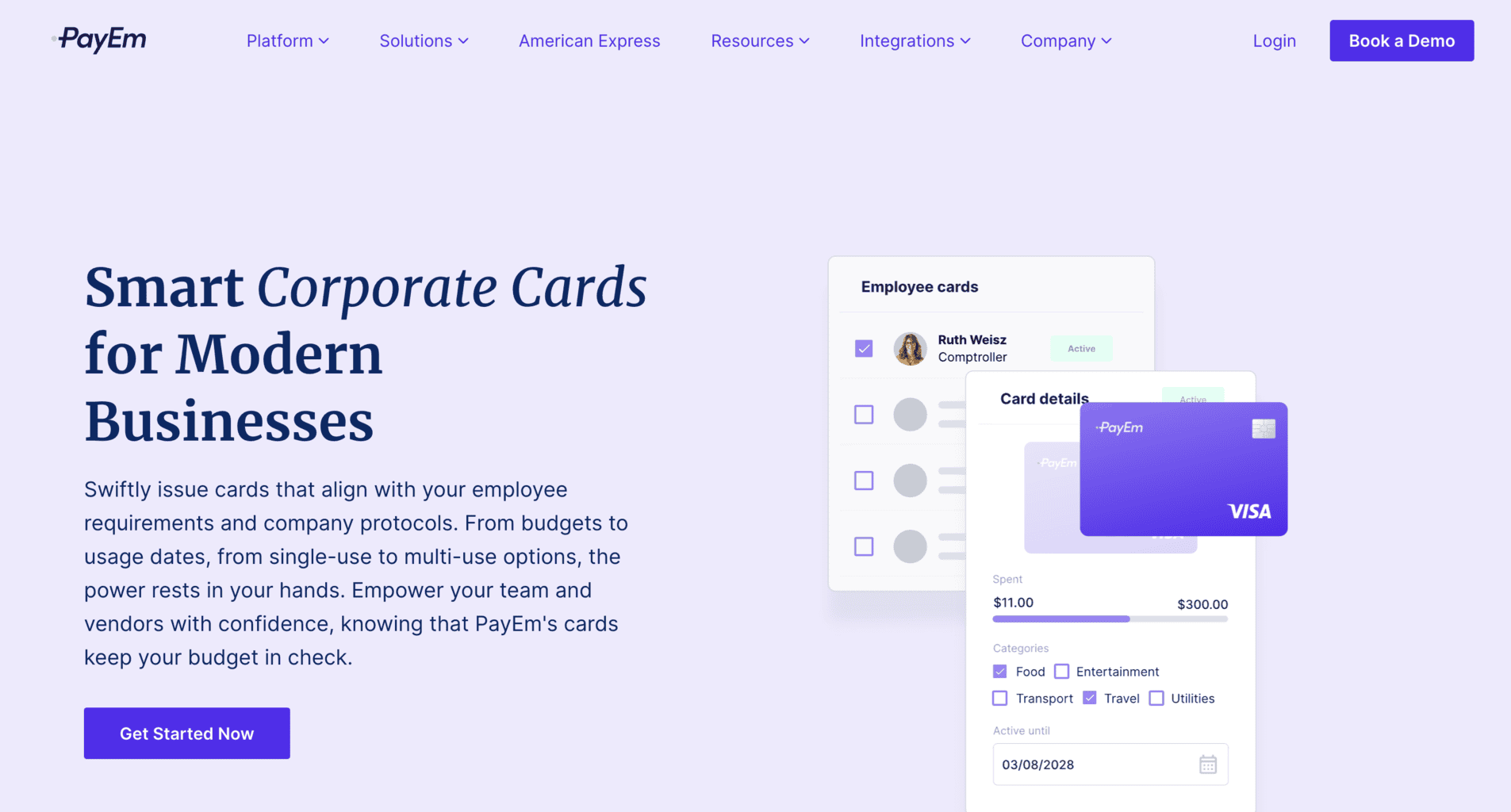
With the corporate prepaid card module, you and your staff can order physical and online (virtual) cards. These cards are particularly beneficial for businesses that want to give their staff members or vendors cards instead of reimbursing them on their private debit cards.
You can submit an application for a physical card via the platform and receive it at your company’s address or create an online card within seconds.
These are the corporate prepaid cards’ main features:
Tailor-made rules: Set up tailor-made regulations and guidelines within the platform and share them with staff members. You can set daily, weekly, and monthly spending budgets and monitor your employees’ spending in real-time. That way, you’ll be able to control every employee’s expenditure and ensure that no one misuses company money.
High-level security: The cards’ data is encrypted and highly secured because PayEm uses HTTPS protocol and complies with GDPR, CCPA, and SOC2 standards. There’s an option to lock or freeze both the physical and online (digital) cards in case they’re lost, stolen, or misused.
The system tracks and monitors each transaction, so you’ll receive alerts on your mobile app whenever there’s suspicious, unexpected activity on the corporate cards.
Budget allocation: Use PayEm’s platform to allocate physical or online (virtual) cards to a certain budget amount for specific purposes. Allocate funds for specific departments, work-related projects, and more.
Expense parameters: Create customisable spending and expense parameters that comply with your tailor-made rules and regulations. The tool has a granular monitoring and control feature that allows you to manage and keep track of all your purchases and requests to your suppliers.
Third-party HR integrations: Add human resources-related integrations to automate your daily HR tasks and responsibilities.
Receipt scanning and tracking: Scan, add, and track receipts for corporate card payments. You can upload an image of the receipt or take a snap via PayEm’s mobile app and save it into an online archive, where all receipts are stored.
In-depth data reports: Keep track of each employee’s spending by downloading in-depth data reports on the corporate cards. You can also download reports that contain data on your staff’s expenditures, company budget, current financial trends and patterns, and more.
Purchase Order (PO) Tool
PayEm’s purchase order tool allows you to create and send orders to your suppliers via the expense management platform. You can internally approve the orders and send them to your vendors. The platform archives all purchase orders, and the admin account manager can access them whenever they want to review them.
You can track current purchase orders to ensure the suppliers receive the payment and the document.
Here’s a list of the PO tool’s main features:
Streamlining procurement: Manage and simplify your company’s procurement operations by automatically sending purchase orders to your suppliers. You’ll get complete visibility and transparency into all of your external orders so you can better budget and manage your company’s money.
Rules compliance: The purchase order paperwork created via PayEm complies with both your company’s and local regulations and guidelines. With all past PO documents stored on the expense management platform, you’ll always be ready for an unexpected audit.
Centralised PO operations: You and your staff can create PO requests and ask for approvals via PayEm’s platform, and with that centralise all your PO-related operations. This is also where you can communicate with colleagues and share PO-related information.
Tailor-made PO requests: Customise your PO documentation using the PO tool within minutes. Design your PO requests and add sections with data on the order, the supplier, your company or affiliated branches, etc. You can add multiple sections with additional data and save the PO template for future usage.
Third-party integrations: Use Slack or connect your work email to the PayEm platform to monitor PO requests and create user-friendly workflows without coding. The software will leverage relevant data from ERP or HRMS. You can also use third-party integrations to accept or reject requests by employees.
OCR tool: The optical character recognition (OCR) tool allows the platform to automatically match PO-related invoices to PO requests.
In-depth data reports: Download data reports on purchase order documentation straight from the cloud-based platform or mobile app. Select the timeframe you’re interested in and download the report in your preferred format.
Invoice Management Tool
PayEm’s invoice management module allows you to automate sending invoices to contractors and suppliers. This tool is AI-powered and uses OCR technology, which enables it to quickly sync relevant data with the enterprise resource planning (ERP) software.
These are the tool’s main features:
Strategy approvals: Create workflow strategy approvals and streamline all your accounts payable via PayEm’s platform.
Data extraction: The tool detects necessary data from the accounts payable and saves it for future usage so you can automatically add it when creating a new invoice with the same supplier data. It decreases the possibility of manual errors since all the data is stored and automatically added to the invoice.
Bulk AP approval: Approve requests for several accounts payable at once instead of manually clicking on each invoice.
Enterprise resource planning sync: Connect the invoice management tool with the enterprise resource planning (ERP) software if you want to add all your previous invoice-related money transfers and bills to your PayEm account.
Suppliers integration: The tool contains an optional onboarding feature that allows you to add selected vendors’ data to PayEm’s platform.
Platform Core Tools and Features
PayEm’s platform has three core tools and features – agile approval workflows, finance audit trail, and insights dashboard. These features allow you and your finance teams to have complete control over your employees’ spending and keep track of supplier money transfers, budgeting, payment requests by staff members, payment approvals, workflow parameters, etc.
Agile Approval Workflows
The agile approval workflow feature allows you to create tailor-made approvals and send them across branches, departments, staff members, and suppliers. This feature doesn’t require coding as it automatically extracts data stored in ERP and HRMS.
You can send a free demo request here if you’d like to check out how it works before applying for a personalised subscription quote.
Here’s how you can use it:
Workflow parameters: Add as many workflow parameters as you’d like and automatically send them via PayEm’s platform. You can customise the workflows and save the templates for future use.
Data storage: Save all financial data and streamline it within multiple company sectors at once. By having full access to the audit-related logs from PayEm’s platform, employees will always be ready for an unexpected audit.
Automated approval: Create automatic approvals within the platform and decrease the possibility of manual error.
Audit Trail
The audit trail feature contains:
- Workflows
- Payment requests
- Modules
It allows you to create audits and ensure they comply with your company’s rules and guidelines, as well as navigate and monitor complex expense procedures.
These are its main features:
Financial archive: All your finance-related actions are kept in PayEm’s platform archive and categorized into purchase orders, payment requests and approvals, and money transfers.
Finance reports and analytics: Download reports for auditors to review your company’s financial operations in specific timeframes. The analytics provide a transparent overview of all the separate payment stages.
Staff access: Allow specific employees from different branches or work teams to access the financial audit documentation. Employees can use the tool to communicate with each other and create audit requests.
Insights Dashboard
PayEm’s insights dashboard has multiple features for tracking expense-related processes.
Here’s what it contains:
Real-time updates: Your expense data will be updated on the dashboard in real time. Whenever there’s an incoming or outgoing money transfer, you’ll see it within seconds from your Paytm account. Only the admin account managers can access the employees’ financial data from their PayEm dashboard.
Duplicate and error detection tool: The dashboard automatically detects errors or data duplicates in your financial documentation and notifies you so you can manually edit or delete the data.
Expense reports: Download expense reports by filtering out the expense categories you’re interested in, and overview forecast reports on the current financial trends.
ROI Calculator: You can use the return on investment (ROI) calculator tool from PayEm’s dashboard.
Automatic notifications: Set automatic notifications and get an alert on your mobile phone whenever the software detects any suspicious action or data error. The software also detects whenever there’s a supplier overcharge and alerts you to review the payment.
Tailor-made categories: Optimise your PayEm’s dashboard and add specific categories you’re interested in. Your employees can also customise their dashboard for easier access to the features they’re using daily.
PayEm Expense Management Solutions
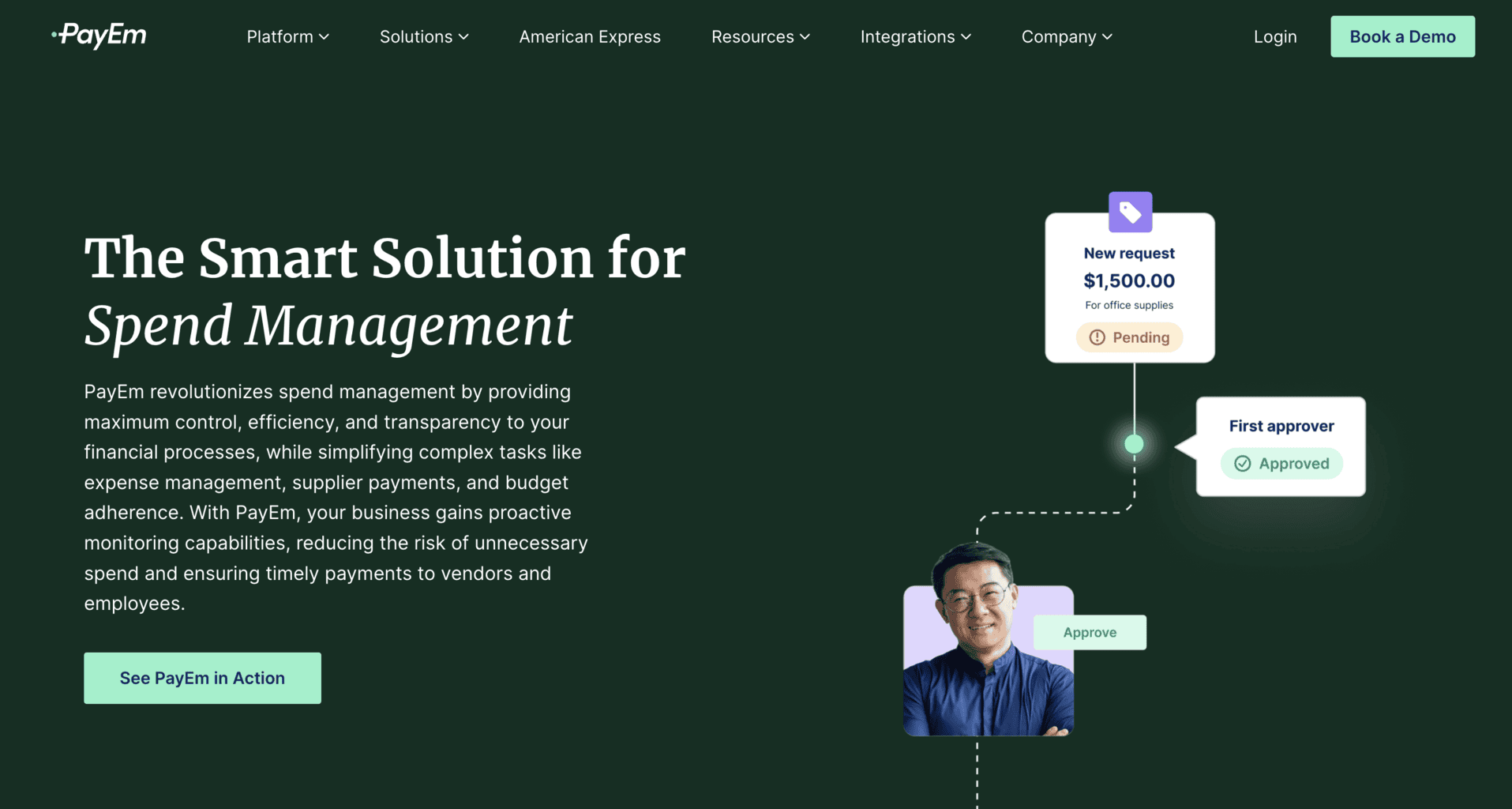
PayEm offers expense management solutions for work teams and specific needs.
By Work Teams
The platform’s tools and features are an ideal option for:
- Finance staff teams
- Procurement teams
- Operations/Human resource teams
By Need
Work teams can use the platform to do the following:
- Manage expenses across various work sectors and departments
- Monitor their employees’ spending
- Make sure all the finance operations are compliant with the company’s rules and guidelines
- Monitor daily staff spending and set spending limits for cardholders
Spend Management Suite Features
The spend management suite has multiple features for tracking your employees’ daily spending.
Here’s a list of the suite’s main tools and features:
- Track and monitor expenses and money transfers by any employee in real time
- Detect fraud and unauthorised spending
- Use and allow multiple payment options, such as wire payment transfers, bank checks, corporate/business cards, MASV, ACH, and more
- Process AP automatically with the help of a pre-installed optical character recognition software that instantly detects data errors
- Create workflows for different staff teams, branches, departments, etc
- Schedule one-time or repetitive payments
- Calculate budget variance automatically using the budget variance analysis tool
- Yearly fiscal analysis and planning
- Third-party integrations
- Integration with enterprise resource planning (ERP) software
- Integration with virtual (online) and physical business or corporate cards
- In-depth data reports on various expense categories
Third-Party Integrations
You can add multiple third-party integrations to your spend management suite and use them to manage accounting, bookkeeping, eCommerce, HR, SSO, and SaaS-related tasks.
These are some of the available integrations:
- QuickBooks
- NetSuite
- BambooHR
- HiBob
- Samsung, Google, and Apple Pay
- Okta
- Azure
- Slack
- TravelPerk
- Google Workspace
AMEX Business or Corporate Cards
You can integrate your PayEm account with a virtual (online) or physical corporate or business card issued by American Express. To be eligible to connect your AMEX account to PayEm, you’ll have to be either a Business or Corporate Card Member at AMEX.
You don’t need to pay any fee when you open virtual (online) AMEX cards, but there are certain fees that apply for the physical AMEX cards.
If you already have an AMEX business or corporate account and own a virtual or physical card, you can connect it to PayEm by following these steps:
- Log in to PayEm
- Submit a request to connect your AMEX card via the dashboard
- Once PayEm reviews and approves the request, you can proceed to access your AMEX’s company account
- Connect the card from your AMEX dashboard with your PayEm account
Here’s what you can do after connecting your AMEX card to PayEm:
Requests submission: Submit requests for virtual AMEX cards you can use to pay for recurring subscriptions and social media, marketing, and advertising-related expenses. The virtual cards get approved within the same day of sending the request.
Card monitoring: Admin accounts can manage and monitor multiple AMEX card budgets at once 24/7 via PayEm’s mobile app.
Budget limits: Add daily, weekly, or monthly limits on specific AMEX cards used by staff members.
Expense optimisation: Optimise expenses and place them into multiple categories by clients, suppliers, work projects, staff members, etc.
Card cancellation: Cancel or freeze virtual AMEX cards within seconds from PayEm’s dashboard in case the card is lost, stolen, or used by unauthorised third parties.
Virtual card security: Process payments with virtual AMEX cards if you need an extra level of security delivered by PayEm’s anti-fraud detection tool.
Vendor payments: Give vendors access to the number of a virtual AMEX card used only to process payments to their account
PayEm Prices and Fees
PayEm doesn’t share any information on their prices and fees. For more information on their subscriptions, you can get in touch with the sales department and submit your enquiries here.
You can also book a free demo trial via the website.
Company Background
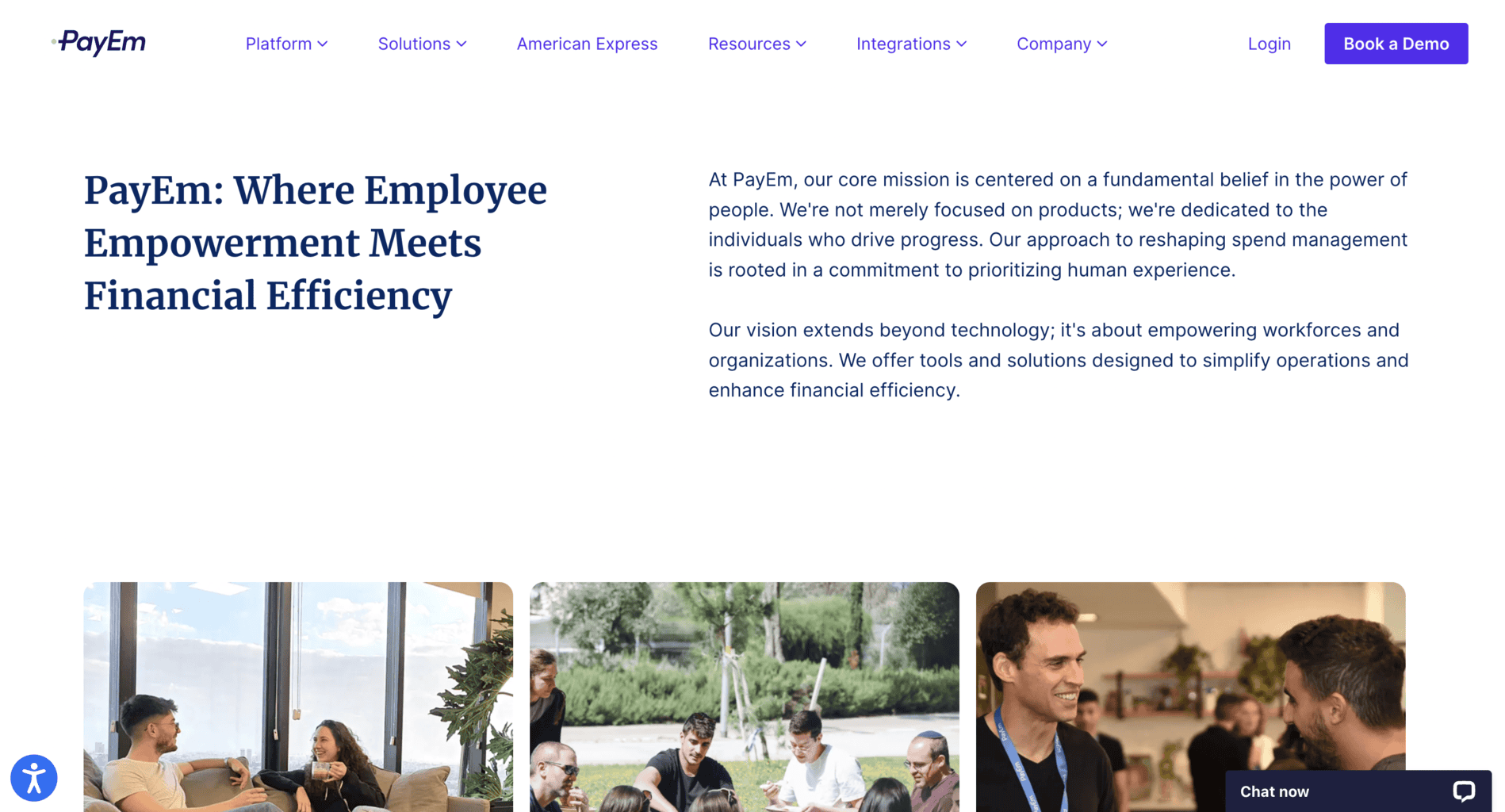
PayEm is an Israeli fintech company that provides businesses with finance and expense management software solutions. The company was founded in 2019 in Tel Aviv by current CEO Itamar Jobani and Omer Rimoch.
PayEm’s primary investors are:
- LocalGlobe
- NfX
- Pitango
- Fresh.fund
- Glilot Capital Partners
Some of PayEm’s international clients are:
- Next
- JFrog
- Etoro
- Bob
- Honeybook
- Travel Net Solutions
- Draft Kings
The company’s headquarters are in Tel Aviv, at the following address: Levinstein Tower, Derech Menachem Begin 23. They also have a second office in San Francisco, located at 3739 Balboa Street, Unit #5044, California, 94121.
The company has an ongoing call for partnerships, so if you’d like to partner up with PayEm, submit your application via the website. If you’d like to find out more about job openings at the company, check out this page.
You can contact PayEm by submitting your enquiry via the website or by sending an email at:
- Sales department: salesinquiry@payemcard.com
- Technical and customer support: support@payemcard.com
- Media and PR enquiries: pr@payemcard.com
You can follow PayEm on Instagram, Facebook or LinkedIn to keep up with their latest social media updates.
Online Reviews
PayEm has over 120 reviews and an average of 4.8 out of 5.0 stars on G2. Most of the latest reviews say the platform is user-friendly and has an intuitive UI design. Some mention that the platform’s new version contains useful new tools and features, such as email alerts.
The company also has 31 reviews and a median score of 4.9 out of 5.0 stars on Capterra and GetApp. It also has 27 reviews and an average score of 4.7 out of 5.0 stars and 10 reviews and a median score of 5.0 out of 5.0 stars on Techimply.
PayEm’s app has only eight ratings and an average score of 3.8 out of 5.0 stars on the Apple Store. There’s no information on the reviews on Google Play, but the app was already downloaded more than 1000 times.