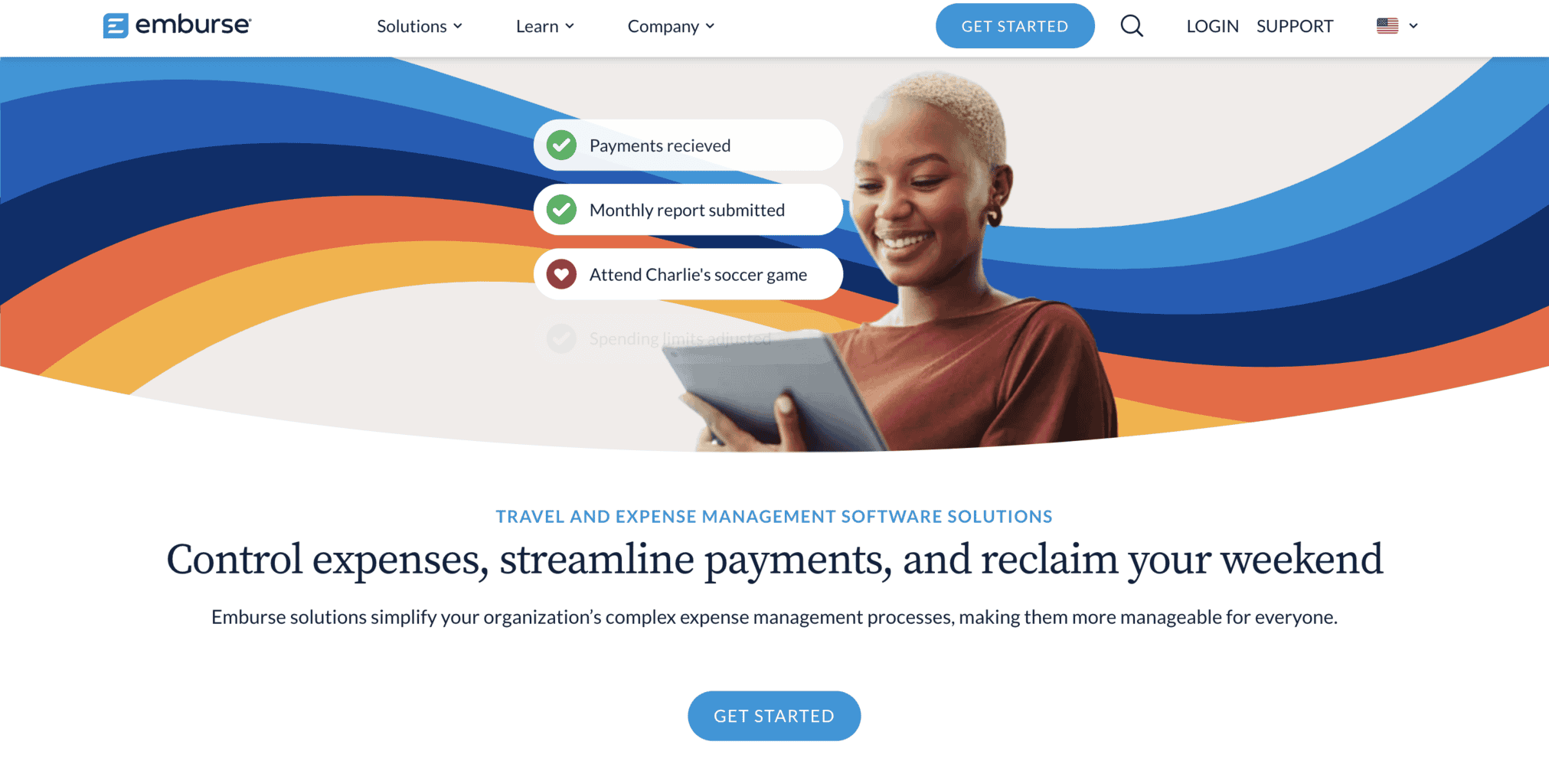
Emburse is an award-winning fintech company founded in the US that provides international businesses with expense and travel management software, corporate cards, and an accounts payable automation tool.
Let’s learn more about its products, pricing, and company background.
Emburse Expense Solutions
Emburse’s expense software solutions allow your employees to automate their daily expenses and have a 24/7 overview of their spending. They can log in to their account via the website or download the free Android or iPhone mobile app.
Here are the tools and features of the expense solutions included in Emburse’s suite.
Expense Management Software
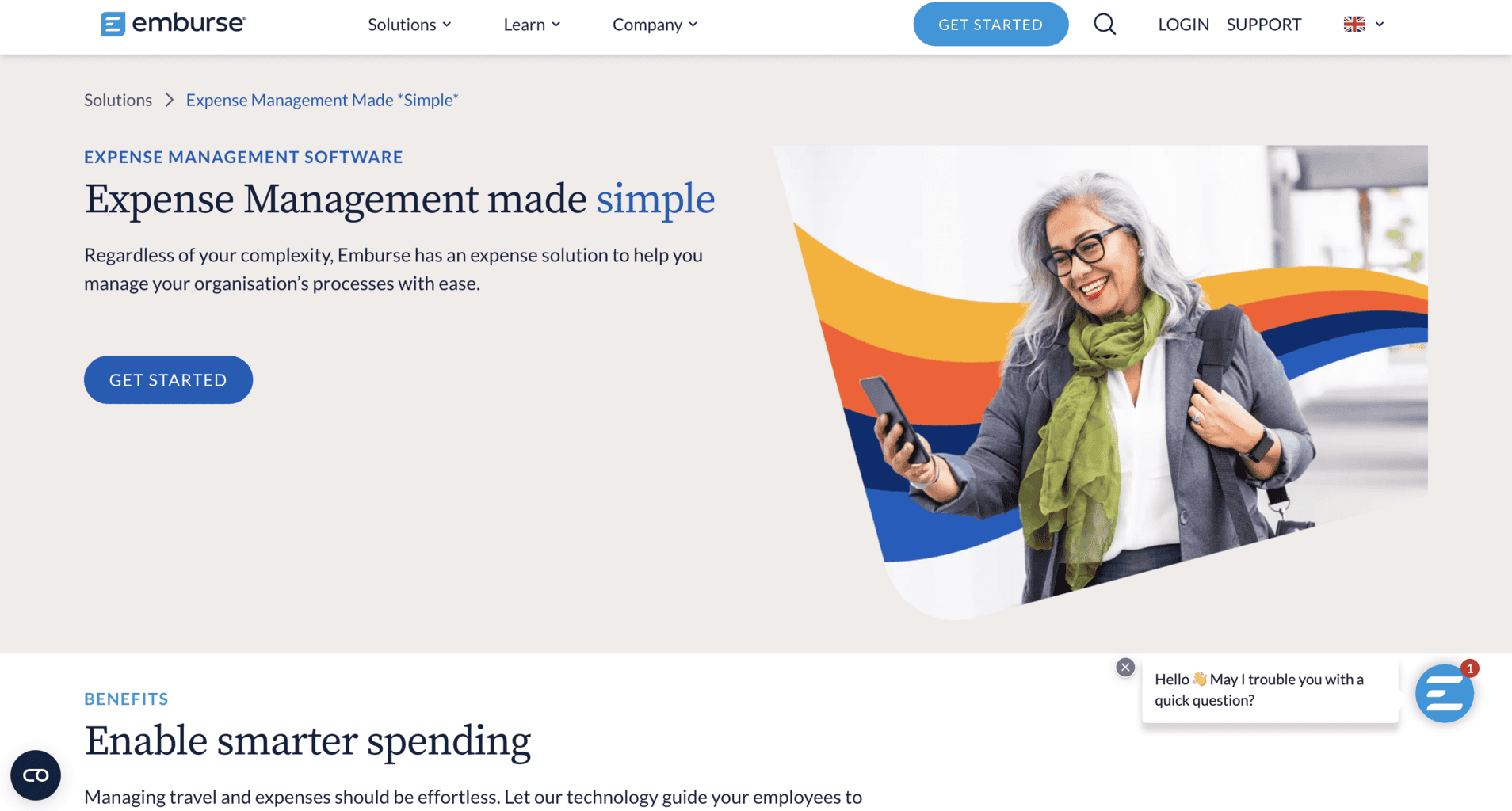
Emburse’s expense management software is an excellent option for businesses of all sizes because it’s customisable, user-friendly, and cost-effective.
The software consists of multiple tools and features that will help you manage your daily expenses, travel-related payments, and corporate cards for employees.
Key features include:
Physical and online (virtual) card management: Create multiple virtual corporate cards via the software’s dashboard or order physical cards for your employees. Once you receive the card’s unique number, you can manage it from the platform and monitor your staff’s spending from the mobile app 24/7.
Reimbursements: Reimburse your staff from Emburse’s software within seconds. Your employees can send you requests for reimbursement, and you can either approve or reject them from your admin account.
Custom-made policies: Tailor your company’s policies and regulations from the dashboard to ensure that all employees’ spending follows the pre-made rules.
Receipt scanner: The software has a receipt scanning tool that uses optical character recognition technology. Your staff can scan physical receipts and upload them to their accounts. Emburse’s software will automatically connect receipts with payments by extracting the relevant data from the receipt and categorising it by expense type.
Data reports and analytics: Emburse automatically collects incoming and outgoing money transfer data and creates reports for all expense types. You can filter out the category you’re interested in and download a report of your expenses in a specific timeframe. You can also download reports on a specific corporate card to track your employees’ spending and find out if someone’s been misusing the card.
Third-party integrations: Customise your dashboard by adding third-party integrations on HR management, finance, accounting, bookkeeping, eCommerce, and more. Some popular integrations Emburse subscribers use are Sage, Netsuite, Quickbooks, Salesforce, Slack, Paycore, Peoplesoft, Zapier, Microsoft Dynamics, and Intacct.
Accounts Payable Automation
The invoice automation tool allows you to simplify and speed up your accounts payable payments.
Here’s what you can do with the AP tool:
- Decrease money transfer bottlenecks
- Automate accounts payable and directly send them to suppliers, freelancers, etc.
- Use invoice templates or create your own and re-use them for future APs
- Approve invoice requests within seconds
- Remit worldwide money payments in the foreign currency of your choice
- Streamline payments and purchases
- Track orders 24/7
- Create suppliers’ lists
- Allow automatic invoice payments for recurring subscriptions and purchases to eliminate missed payment deadlines
- Calculate ROI expenses with the calculator tool
- Track invoice statistics
- Scan invoices with Emburse’s optical character recognition technology
Emburse Payment Tool
The payment tool helps you pay out all your employees and suppliers within seconds from your Emburse dashboard and create spending limits and approvals for employees.
You can use the tool to do the following:
Emburse corporate card issuing: Issue physical or online (digital) cards that contain pre-built analytics and controlling features. You can also set up automatic reimbursements via corporate cards and link payment transactions to a specific cardholder.
International reimbursements: Pay employees, suppliers, and partners internationally. The reimbursement payments are processed with Wise, and you can transfer money in any foreign currency of your choice. You can pay vendors with virtual (digital) cards, ACH, or bank checks.
Emburse Analytics
With the Emburse Analytics tool, you can gain in-depth data insights by downloading expense data reports 24/7, and make financial decisions based on Emburse’s expense analytics.
After subscribing to Emburse Analytics, you’ll receive training and onboarding help from Emburse’s technical support team.
Here’s what you can do with the analytics software:
- Review and analyse your staff’s spending habits by filtering out expenses in specific timeframes, regions, work departments, etc.
- Increase staff’s spending accountability.
- Create expense charts on spending habits across different work departments, office locations, regions, etc.
- Set compliance rules and identify fraud or malversation by spotting unusual payments.
Emburse Analytics Software Versions
There are two versions of the Emburse Analytics tool:
Pro Analytics: The pro version allows you to optimise the company’s spending and create tailor-made data reports. You can pre-schedule data reports, and the software can forward them automatically via SFTP or email. You can also export them in your preferred format, such as PDF.
Advisor Analytics: This is the advanced version of the Pro Analytics tool. It contains the same features as Pro and a few extra ones. When you subscribe to Advisor Analytics, you’ll have your own dedicated team that will take care of your Emburse account and turn your company’s analytics into user-friendly and straightforward data insights.
If you’re interested in testing any of the two Emburse Analytics versions, you can apply for the free demo trial.
Emburse Audit
The Emburse Audit tool is part of two Emburse solutions – Certify and Chrome Audit.
This AI-powered tool can help you quickly identify third-party breaches and decrease the risk of fraud attempts by external or internal parties.
Emburse hires independent auditing experts who will help you manage the auditing process from start to finish.
These are the tool’s main features:
- Enforced regulations and policies
- Tech-powered assistance
- Brand security and protection
- Tracking of errors, policy violations, and duplicate data
- Spend decrease with the help of AI technology that discovers unusual money transfers
- Unbiased and transpired reviews
- Waste decrease
Travel Management Tool
Emburse’s travel management tool can be an excellent addition if you’re looking for an easy way to control your staff’s spending on business trips.
It’s included in four of Emburse’s software products:
- TripBAM
- Go
- Analytics
- Certify Travel
The travel management tool contains a pre-built communication feature that lets you keep in touch with your employees while travelling. You can use it on various types of Apple or Android devices, including Apple Watch.
These are its main features:
- Quick and user-friendly accommodation and ticket booking tool
- Back-end booking data that you can access from Emburse’s dashboard
- Messenger tool for communication between employees
- 24/5 customer support via phone, live chat, or email
Emburse Products
In addition to the software solutions for expense and travel management, Emburse offers other expense-related products. Here are their main features.
Certify
The Certify tool helps you manage your daily travel and expense-related tasks. You can also use it to automate some of your employees’ tasks while keeping track of their spending 24/7.
With this tool, you’ll get to identify to what level the following six key areas of corporate spend are optimised:
- Tool for travel expense management
- Expense management
- AP automation
- Expense data insights
- Audit management tool
- Payments management tool
You can integrate Certify with software solutions that you’re already using, such as:
- Paycore
- Quickbooks Online
- Microsoft Dynamics
- Salesforce
- Sage
- UKG
- PeopleSoft
- Oracle NetSuite
All of the data that Certify collects is safe and compliant with the following policies and regulations:
- GDPR
- Control Scan PCI Compliance
- AWS Certified Data Answers
- Symantec Extended Validation SSL
- SOC Reports
When you subscribe to use the Certify tool, Emburse’s team will provide onboarding help and support, as well as access to learning documents and resources.
Chrome River
Chrome River is a software suite that contains multiple tools and features for expense, payment analytics, travel, audit, payment, and connection management.
Once you receive access to Chrome River, you can manage all your company’s expenses via Emburse’s cloud-based platform or mobile app. The admin account holder can review how each employee spends company money within one dashboard.
You can request a free demo trial of Chrome River via the website.
Emburse Go App
Emburse Go is an award-winning software travel app that lets you track all your travel-related tasks. It can be downloaded on Android and iPhone mobile devices.
These are the app’s primary tools and features:
Booking assistance: You’ll receive complete information about cost-effective accommodation at your destination. Go allows you to message employees after they check out of the accommodation so you can remind them to add the correct address of the accommodation to be eligible to reclaim VAT-related expenses.
Traveller assistance: During an emergency, your employees can use the Go app to contact you or customer support for help.
Third-party integrations: Add third-party integrations and receive travel-related information, such as booking discounts, upgrades, and various opportunities to ease your travelling experience.
Transport analytics: The tool will analyse the most cost-effective and time-appropriate transportation options. You’ll receive airport transportation options and maps, trip-related information on your flight and luggage, and more. You can also add optional transport integrations such as Lyft or Uber.
Quick feedback and reviews: Your employees can quickly add feedback and reviews during or after their trip and share their experiences with fellow staff members. The feedback feature is fully transparent, so anyone who has access to an Emburse account and the Go app can read the reviews.
Explore: Add information on places you’ve visited during your travels, such as restaurants, bars, working areas, etc.
Travel regulations and policies: Create policies and rules related to business trips and share them via the Go App. That way, all your employees can access them on the go.
Contact list: Manually create contact lists of all your suppliers and travel-related contacts and share them via the mobile app. You can customise the list and filter out contacts per location by selecting region or country. Your staff will be able to view the list 24/7.
Top destinations: Review all the best travel destinations you’ve visited during business trips. Your employees can access this information via the app and browse to learn more about the destination they’re about to see.
Premier: This upgraded version of the Go app contains pre-added travel regulations and policies and an option to add more custom-made features.
Emburse Corporate Cards
Emburse allows you to order physical corporate cards issued by MasterCard or create virtual (online) ones via the cloud-based platform or mobile app. You can integrate the cards within Emburse’s Chrome River or Certify software suites.
The cards are issued by Celtic Bank, a US-based Federal Deposit Insurance Corporation (FDIC) member. You can use them worldwide in any place that accepts Mastercard.
However, note that some banks might not take the card. Also, you cannot use Emburse’s card to withdraw money from international ATMs, receive cashback, play gambling games online, etc.
When you receive the card, you’ll also get a granular set of regulations and spending policies. Each card can be assigned to one employee, and you can track their spending from Emburse’s admin account.
Emburse Corporate Card Features
- Employees can send spending requests whenever they need to purchase something that surpasses the budget limit.
- Admin managers can create spending limits and approve spending requests sent by employees.
- Download expense-related data reports for each card. The reports are automatically created by the software in real-time, and you can select a specific period in which you’d like to receive the report.
- Pre-schedule and automate recurring payments.
- Expenses overview in real-time via the dashboard.
- High-level fraud and breach protection and security.
- Multiple payment options, including online and in-person, via Android or Apple Digital wallets, etc.
To test how Emburse’s corporate cards work, apply for a free trial here.
Who Can Use Emburse Cards
To be eligible to use Emburse’s corporate cards, your business must be registered in the EU, UK, or the US (with some exceptions, such as Puerto Rico, Virgin Islands, etc.). The person behind the primary Emburse account must also prove they reside where their business is registered.
When you apply for a corporate card, you’ll have to send verifiable and legitimate bank data about your company and details about the future cardholder, ID, address, and legal position.
After you apply, the company will verify your application, which usually takes a few days.
Emburse Prices and Fees
Emburse doesn’t share the prices and fees of its software suite solutions. Contact the company to find out more and receive a tailored offer.
Although the software subscription plans are unavailable, the company offers minimal information on two subscriptions for Emburse cards and the Spend or Expense management tool.
Emburse Cards Subscriptions
There are two types of customisable Emburse corporate card subscriptions:
- Embruse corporate cards + Spend: This subscription includes a payment tool and expense management software at a tailor-made price.
- Emburse corporate cards + Expense: This subscription includes both the expense and travel management software tools. The price is customised for each subscriber.
You can ask for a customisable price via this link.
Company Background
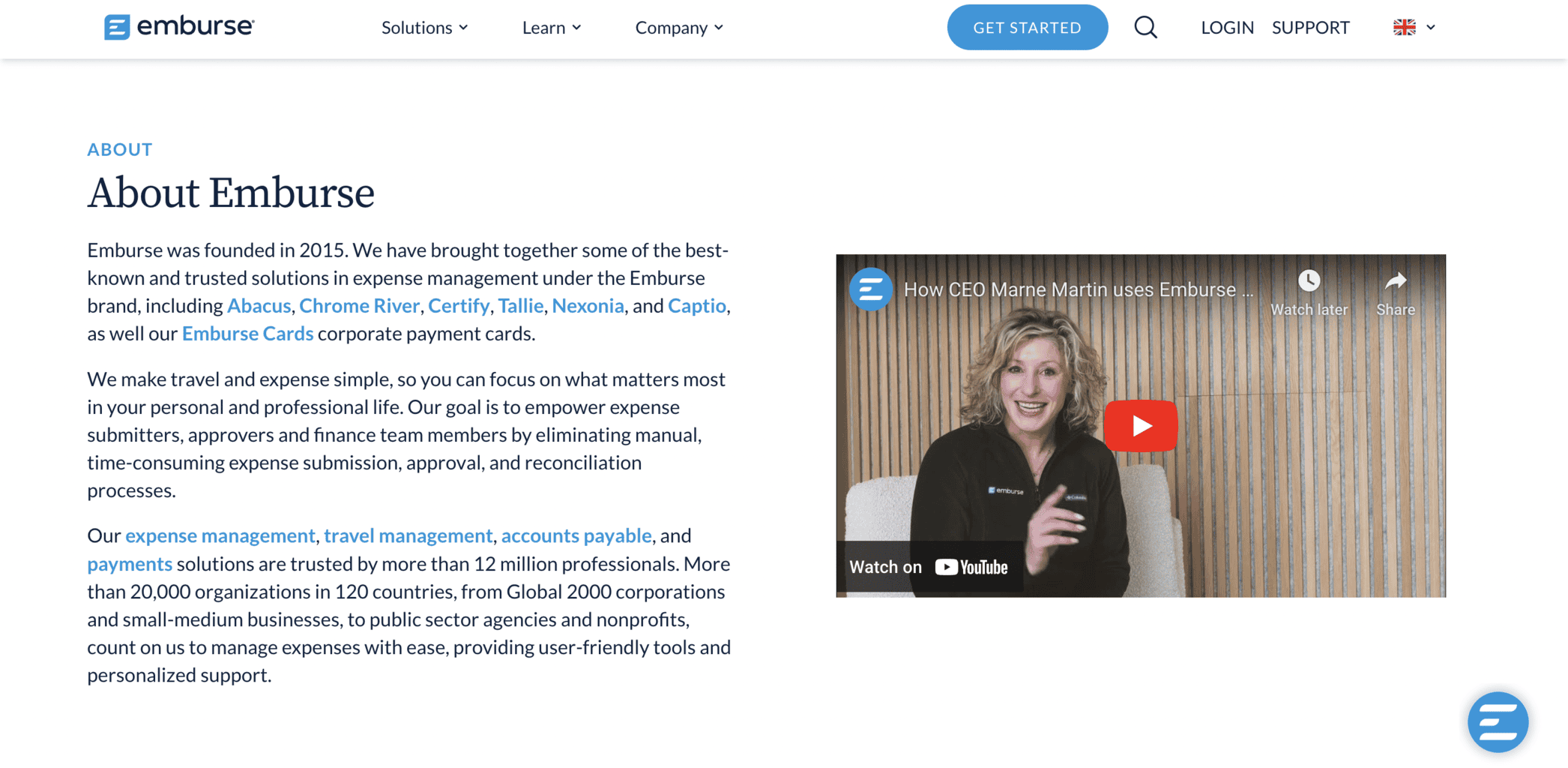
Founded in the US in 2015, Emburse offers user-friendly travel and expense management software for businesses of all sizes. The company has developed software by including various expense and payment management solutions under one brand, such as:
- Chrome River
- Tallie
- Captio
- Certify
- Abacus
- Nexonia
Emburse’s solutions are used by over 20.000 businesses of all sizes, including international corporations, NGOs, startups, etc. Their services are available in 120 countries worldwide.
Since February 2024, Marne Martin has been the managing CEO of the company. Adriana Carpenter is the current CFO, and Holly Ostrow is the CAO.
Some of the company’s customers are:
- Microsoft
- OKI
- Garmin
- Estee Lauder
- General Mills
- Jotun
Emburse also has a long list of international partner companies, such as:
- UKG
- AppZen
- AdTrav
- Ceridian
- Deem
- Egencia
- Ellucian
- Omnia
- Frosch Travel
- Oracle NetSuite
- Sage
The company has received various awards throughout the years, the latest of which is the Ellucian Partner Award for 2023. Also, G2 placed Emburse on their list of the best 50 software providers that offer expense management solutions. You can browse through all their awards here.
Emburse’s headquarters is located in Los Angeles at 5757 Wilshire Boulevard, Suite 204.
If you need technical support, visit the company’s help centre. You can email customer support at help@emburse.com, sales at hi@emburse.com, or send media enquiries at media@emburse.com.
Follow Emburse’s Facebook, LinkedIn, or Instagram page to keep up with their latest social media updates.
Online Reviews
Emburse has over 5070 reviews on G2 and a median score of 4.4 out of 5.0 stars. The latest reviewers mentioned that the company’s user-friendly expense management software offers time-saving finance tools and features. Some of them also mentioned the mobile app is very easy to use.
The company has 42 reviews and an average score of 4.5 out of 5.0 stars on Capterra, and 96 reviews with a median score of 8.0 out of 10 stars on TrustRadius.
Also, Emburse has 198 reviews and a median score of 3.2 out of 5.0 stars on Glassdoor (UK).
The mobile app has only 12 reviews on Google Play and a median score of 3.6 out of 5.0 stars. It has been downloaded over 1000 times. It only has 3 reviews on the Apple Store and an average rating of 3.7 out of 5.0 stars.